
Answered
How can I customise my banner message?

How can I customise my banner message?
Best answer by Eric Fitz
You can:
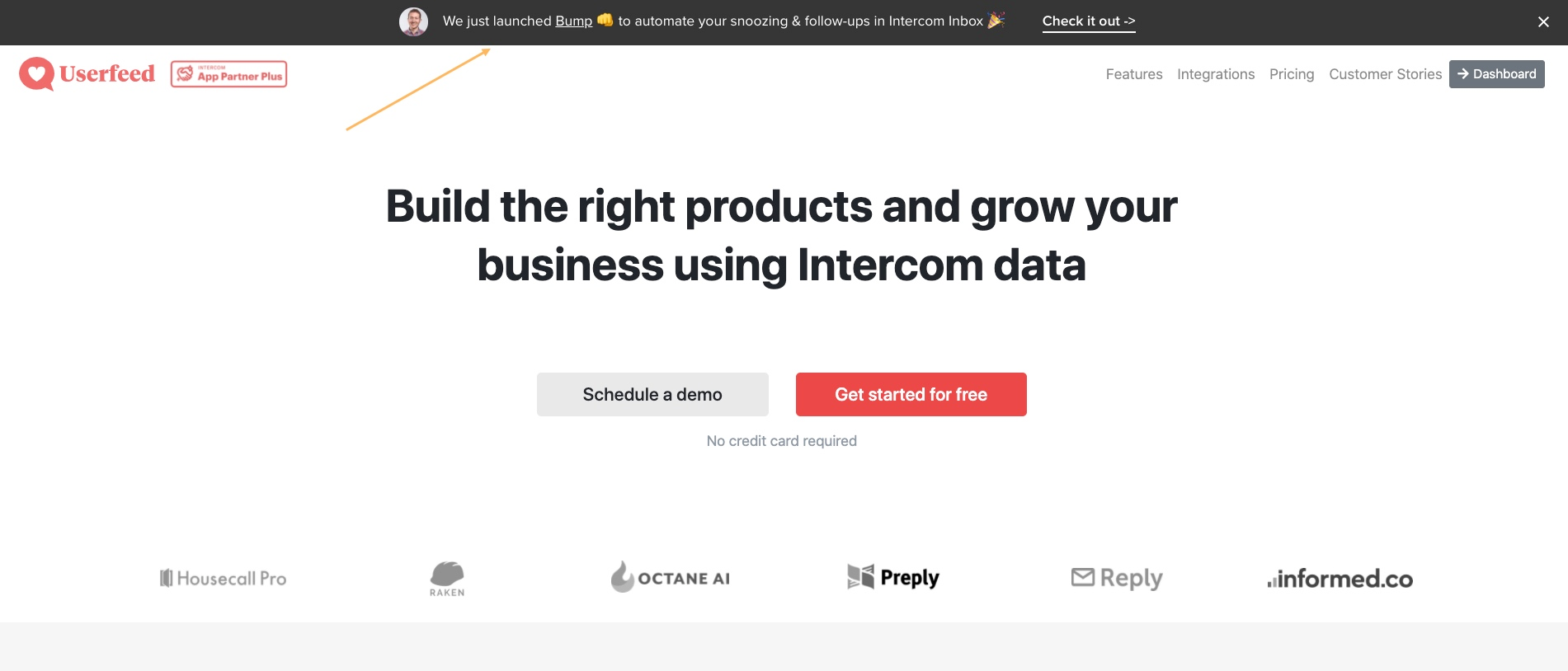
- Change the colour of your banner
- Bold/italicize text
- Add emoji (using your keyboard’s emoji picker)
- Include links (including links to launch a Product Tour)
- Insert variables (so that parts of your banner appear differently to each customer depending on the value of an attribute)
- Choose to include the profile image of the sender or not





Join the Intercom Community 🎉
Already have an account? Login
Login to the community
No account yet? Create an account
Intercom Customers and Employees
Log in with SSOor
Enter your E-mail address. We'll send you an e-mail with instructions to reset your password.