The language in our workspace is English but when I create and send emails, the Powered by Intercom in the footer is in Chinese. How can we switch it back to English?

Thank you

The language in our workspace is English but when I create and send emails, the Powered by Intercom in the footer is in Chinese. How can we switch it back to English?
Thank you
Best answer by Jess
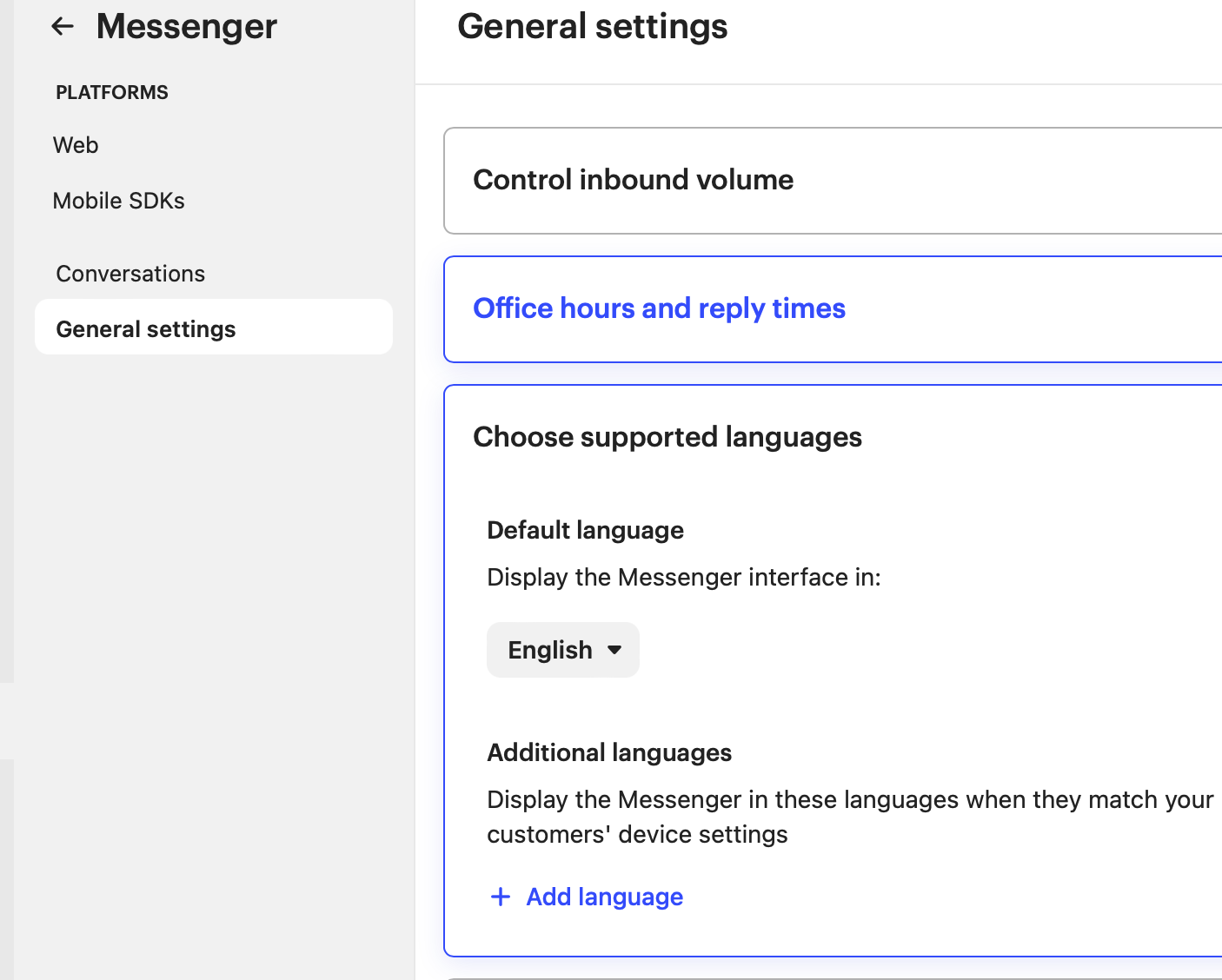
I found it in the Messenger settings → General settings → Choose supported language.
I deleted the Chinese and clicked Save on the upper right os it left English as the default.
Already have an account? Login
No account yet? Create an account
Enter your E-mail address. We'll send you an e-mail with instructions to reset your password.