Any tips or best practices for announcing the new messaging app within the product? I tried putting a tooltip above the messaging app but ran into an error. Any ideas you have would be greatly appreciated?

Answered
Rollout features on Day 0
Best answer by Jacob Cox
Hey there
Is this a Web-based app that you’re working with? If so, this is exactly the type of situation that Intercom’s Banner feature was designed for. It allows your message to stay put until a User dismisses it or you decide to Pause it.
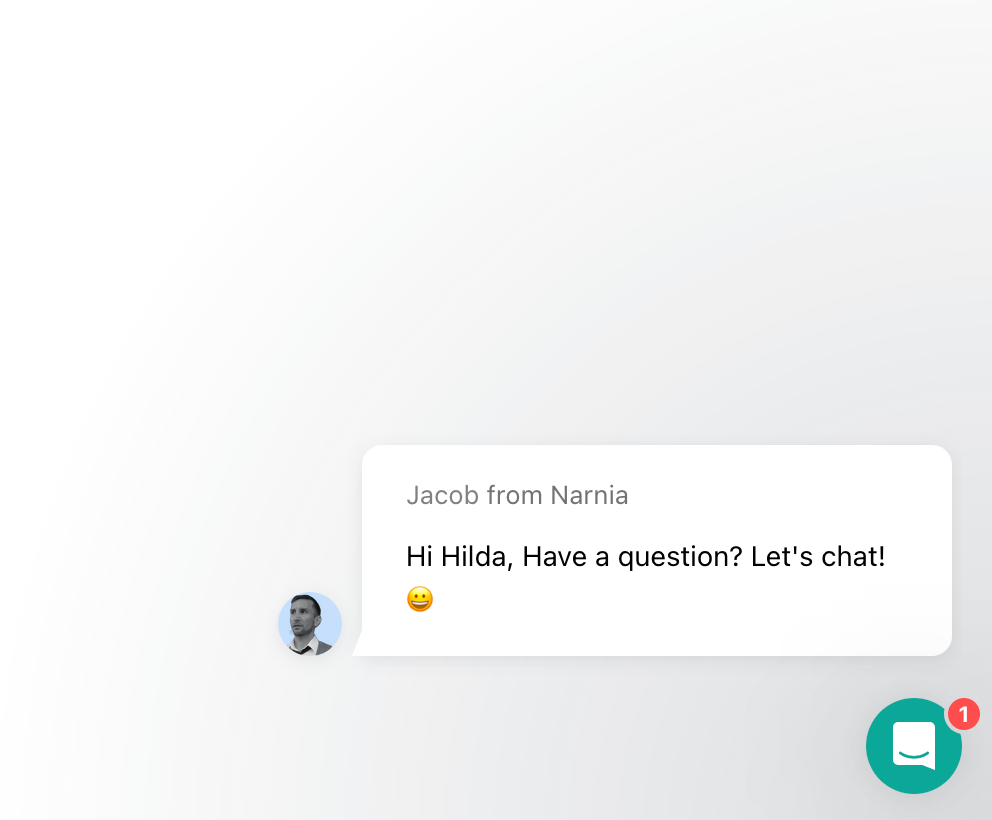
If you’re trying to bring attention to Intercom Messenger you can also create an Outbound Chat message to announce it’s presence. The Chat bubble will pop up from the Messenger, letting people know they can reach out to you!






Join the Intercom Community 🎉
Already have an account? Login
Login to the community
No account yet? Create an account
Intercom Customers and Employees
Log in with SSOor
Enter your E-mail address. We'll send you an e-mail with instructions to reset your password.