Could this be a settings issue with my web page or URL? Any help would be great.

Answered
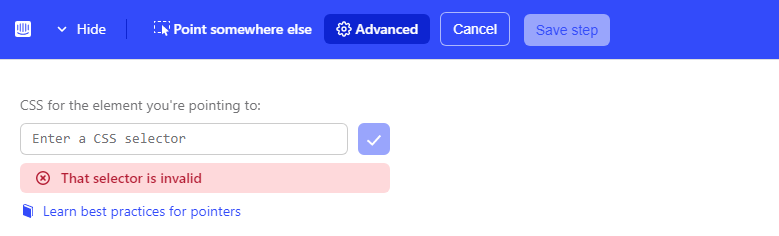
When setting up a product tour, I select all the elements and create the tour, however on attempting to preview, it states that "The element being pointed to isn't visible here".
Best answer by Keerthi
@medl, other than what's already mentioned in the previous comment there a re a few things to lookout for,
- Check which URL the tour is starting on and if you are navigating in between the tour, it should proceed with the user actually navigating by clicking on the element and not by clicking next on the tour
- Check if your app is using dynamic CSS selectors. In this case you will have to ask your developer to put in special IDs for the elements you want to use



 Looking forward.

Join the Intercom Community 🎉
Already have an account? Login
Login to the community
No account yet? Create an account
Intercom Customers and Employees
Log in with SSOor
Enter your E-mail address. We'll send you an e-mail with instructions to reset your password.