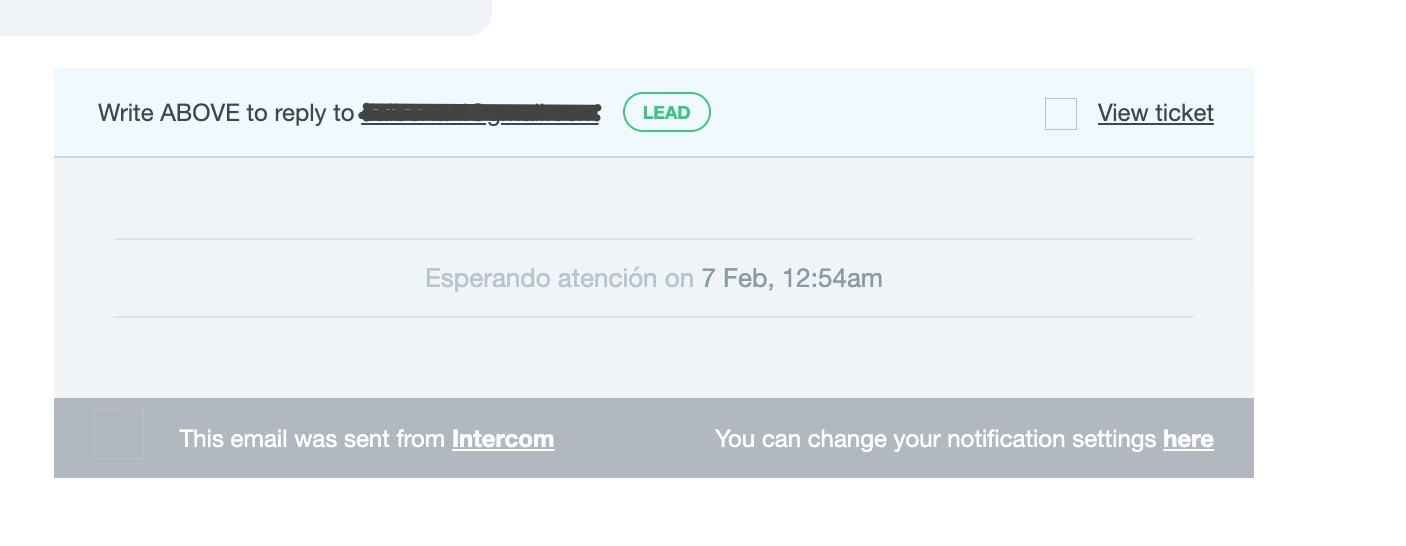
When we receive a new ticket by email it only shows the email and the status of this ticket, but not the title or description or any other attribute set, so it's hard to follow and reply to, unless you open the app. Is there any way we can set it up?
We only receive this:
Thanks in advance.
Best answer by Nico Magbiray
Hi there,
This usually happens because Intercom’s default teammate notifications are designed to be "alerts" rather than full transcripts for security and privacy. To get the ticket title and description directly in your inbox, you should move away from standard notifications and use a Workflow with the "Send an email" action. This allows you to build a custom template where you can insert dynamic variables like {ticket.title} and {ticket.description} so your team has all the context they need without having to click back into the app every time.
This usually happens because Intercom’s default teammate notifications are designed to be "alerts" rather than full transcripts for security and privacy. To get the ticket title and description directly in your inbox, you should move away from standard notifications and use a Workflow with the "Send an email" action. This allows you to build a custom template where you can insert dynamic variables like {ticket.title} and {ticket.description} so your team has all the context they need without having to click back into the app every time.