
Hi, where do you hide the help center's language selection menu? | Community
Skip to main content
Answered

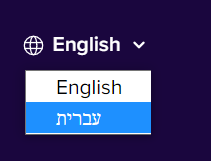
Hi, where do you hide the help center's language selection menu?

  • April 14, 2021
  • 4 replies
  • 220 views

LanguageControlMenu

Best answer by Graziela

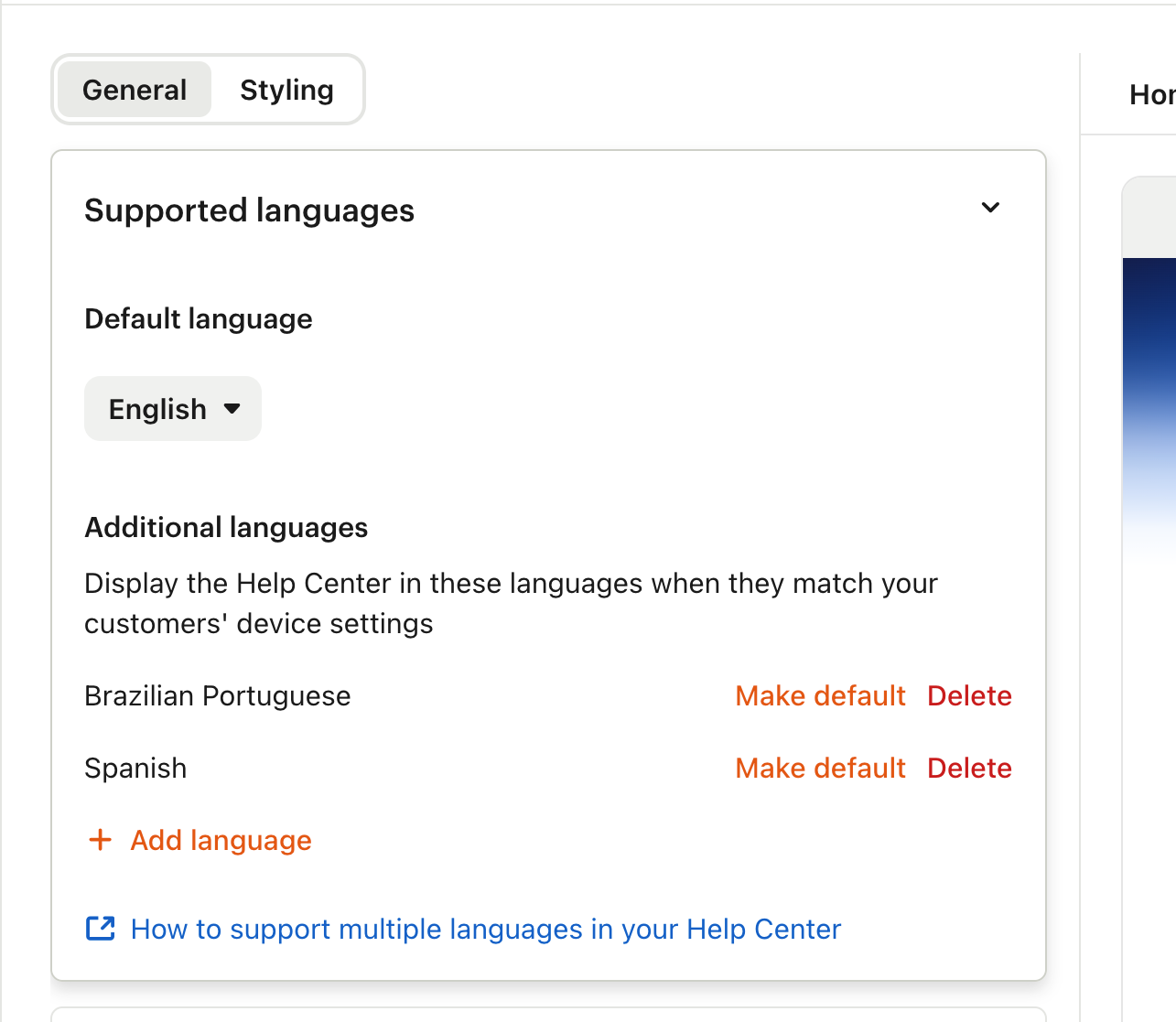
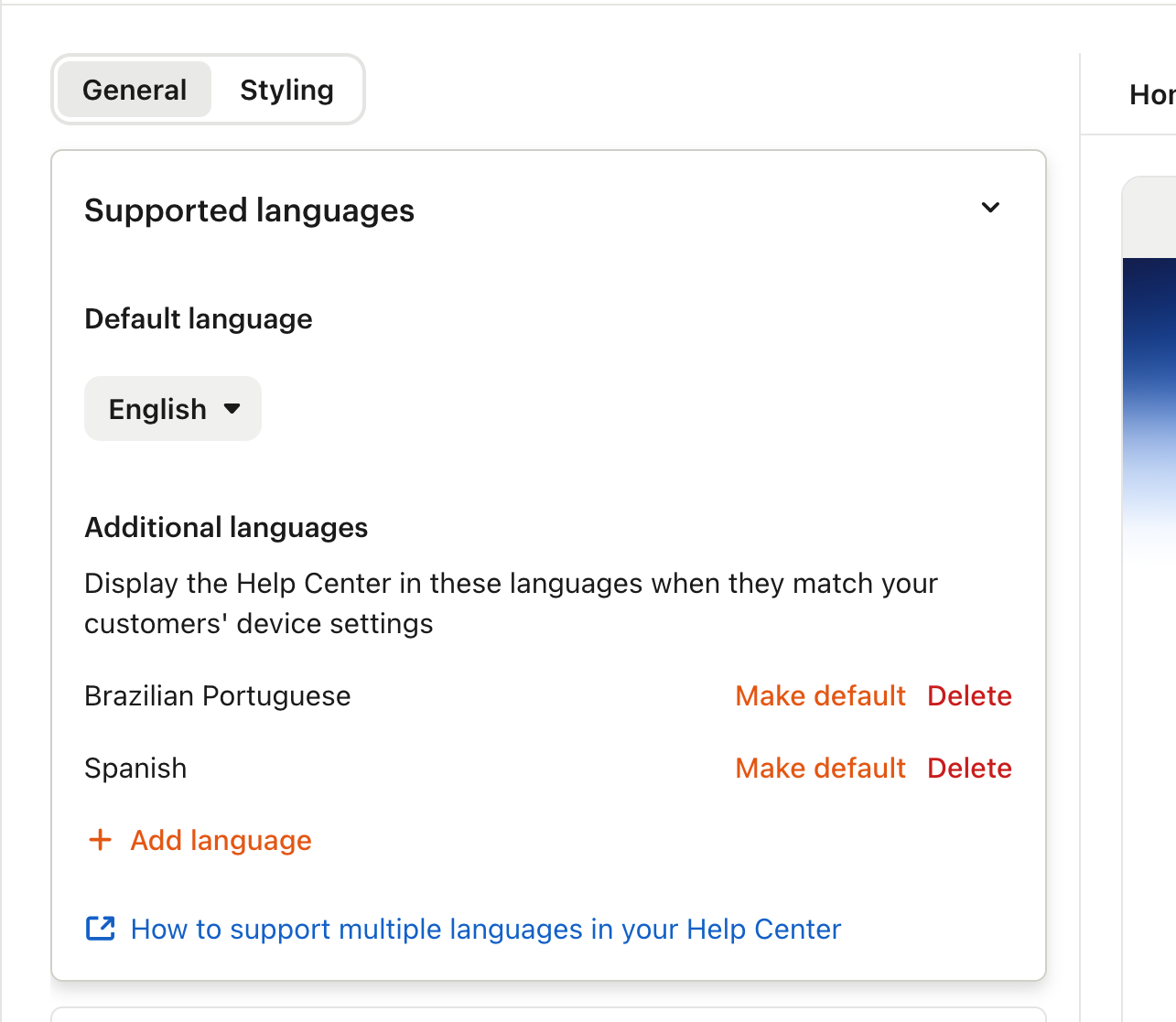
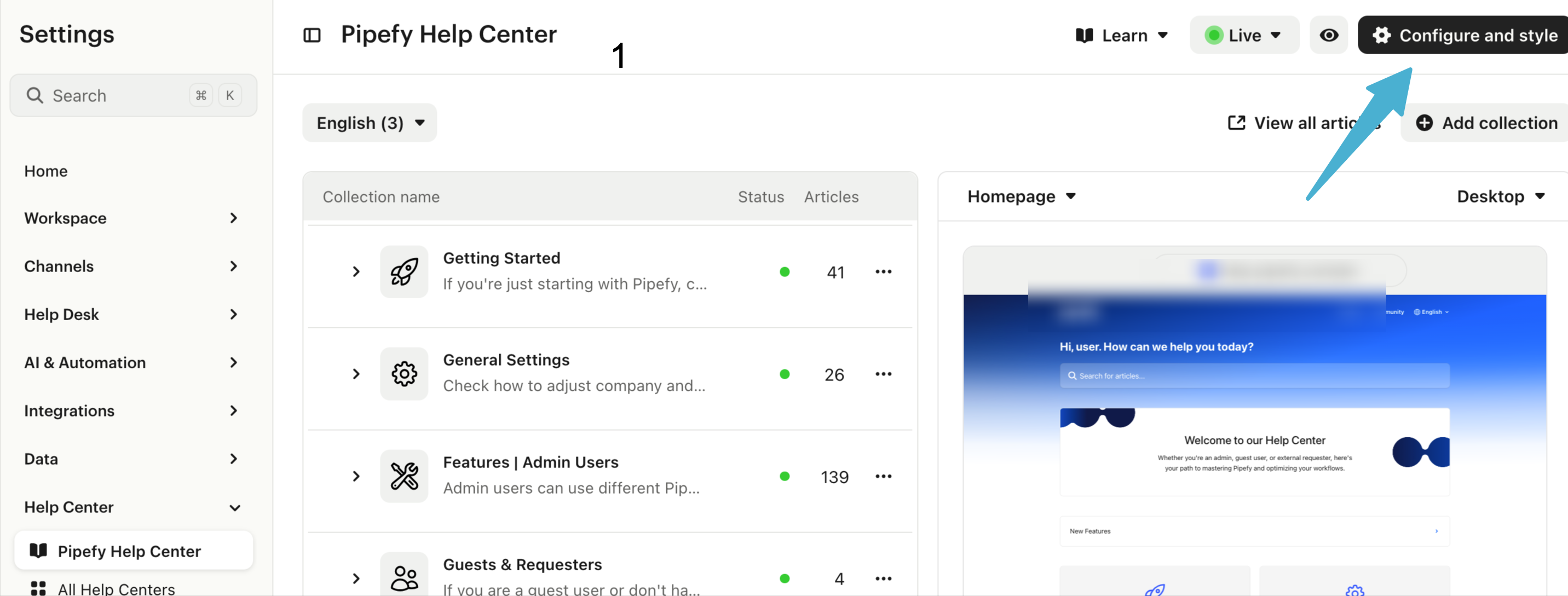
You have to delete the supported languages on configure and style


4 replies

Kevin Bendixen
Top Expert ✨
Forum|alt.badge.img+5

Don't know if it's possible. If you delete one of the localizations, it might disappear, but that might not help you at all. Why would you want to hide it anyway?


  • Author
  • New Participant
  • April 14, 2021

Here's the answer from Intercom support: "The button for selecting languages can't be hidden, it will always appear when there is a second language added to the help center. I will raise this as a feature request to the team also." So hopefully it'll be available in the future.


  • New Participant
  • November 12, 2024

It’s there even if there’s only one language to select from. The Intercom product team treats it as an expected behaviour.


Graziela
Innovator ✨
Forum|alt.badge.img+2
  • Innovator ✨
  • Answer
  • November 21, 2024

You have to delete the supported languages on configure and style