Hi Intercom Team,
We are currently integrating the Intercom SDK into our application and have encountered the following three issues that are affecting the user experience:
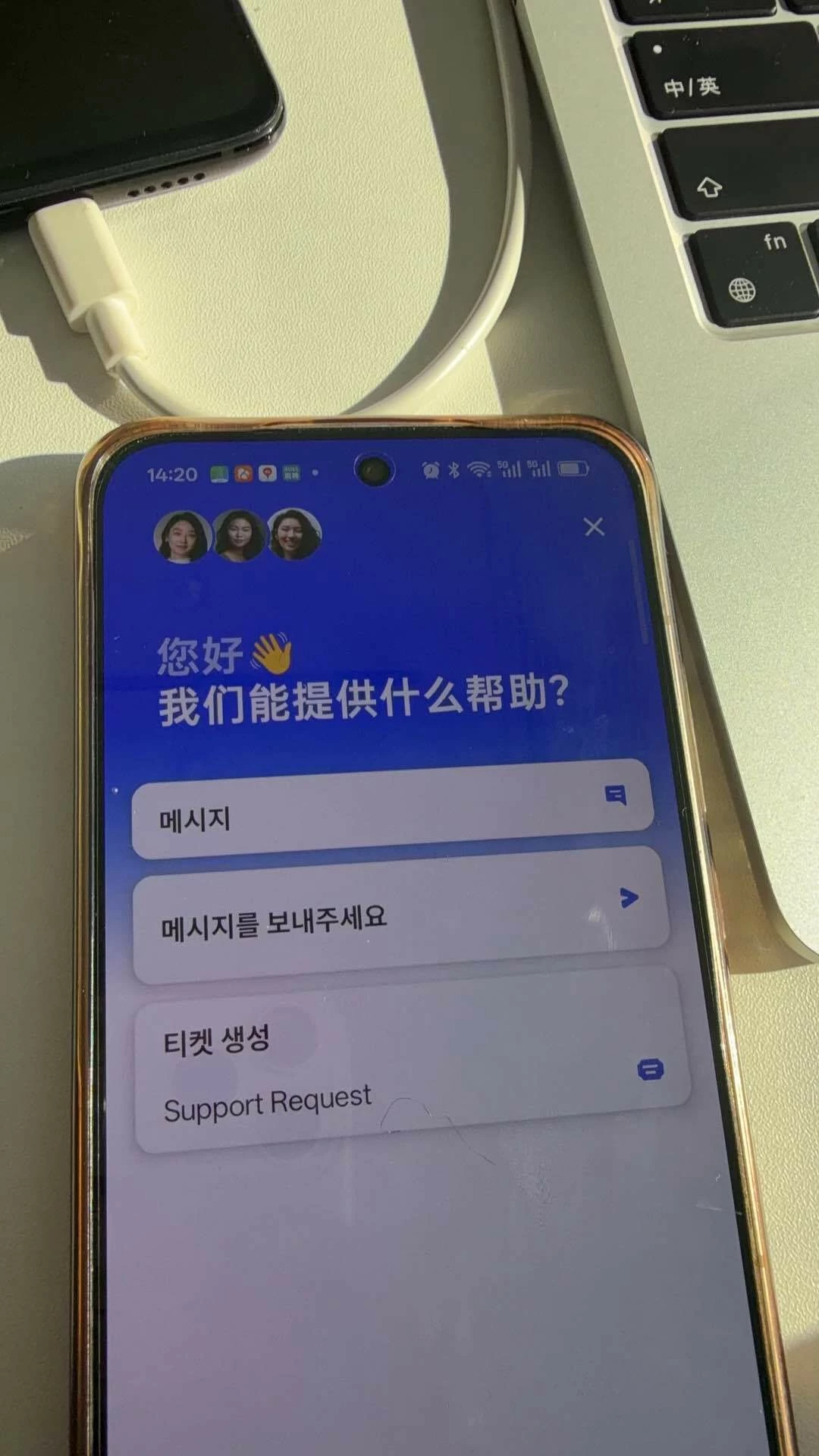
1. Partial Language Update via updateUser
-
Issue: When calling
Intercom.updateUser({ languageOverride: Language })to switch the UI language, the change is inconsistent. Sometimes only a portion of the Intercom UI updates, while other elements remain in the previous language.
-
Workaround: A full and correct language switch only occurs after calling
Intercom.logout()and re-initializing, which is not ideal for user experience. -
Expected Behavior: The entire Intercom UI should refresh to the target language immediately upon calling
updateUser.
2. Android: Messages Not Appearing After Sending
-
Issue: On Android devices, when a user sends a message, the message bubble occasionally fails to appear in the chat interface immediately.
-
Details: The user has to exit the conversation screen and re-enter the chat to see their sent message. This feels like a state synchronization or UI refresh issue within the Android SDK.
3. Missing Typing Indicators on Mobile App
-
Issue: The "User is typing" indicator works perfectly on the Web version, but it is completely missing on our Mobile Apps (iOS/Android).
-
Question: Is this a known limitation of the mobile SDKs, or is there a specific configuration required to enable typing visibility for mobile users?
Environment:
-
Intercom SDK Version: [@intercom/intercom-react-native:9.3.4]
-
Platform: Android & iOS
We look forward to your guidance on how to resolve these sync issues. Thank you!
error