how do i manually edit users and leads? i need to edit “company”
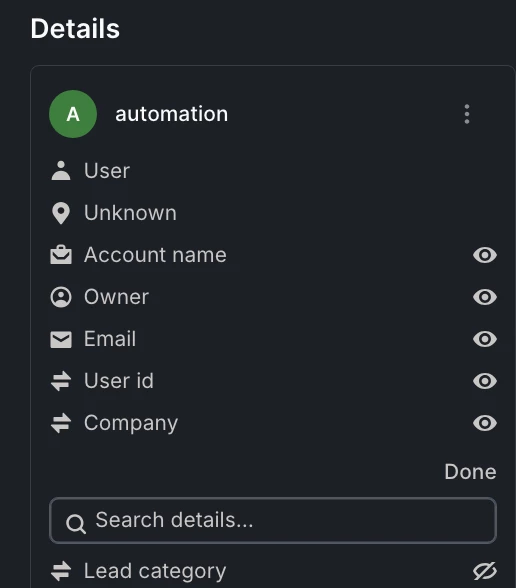
this is what i see when i click on “edit” button

how do i manually edit users and leads? i need to edit “company”
this is what i see when i click on “edit” button
Best answer by Cédric V
Hi
It seems that the “company” field you see there is not a free text field, but the list of companies currently associated with that user, so you can’t just overwrite it like a normal text attribute.
To change it manually, you usually need to:
- open the Company record and update it there, or
- remove / add the right company association on the user’s profile (from the contact view, not only from that “Details” modal).
NB: the “Edit” button you’re seeing here is only used to choose which fields you want to display in the customer details panel
Already have an account? Login
No account yet? Create an account
Enter your E-mail address. We'll send you an e-mail with instructions to reset your password.