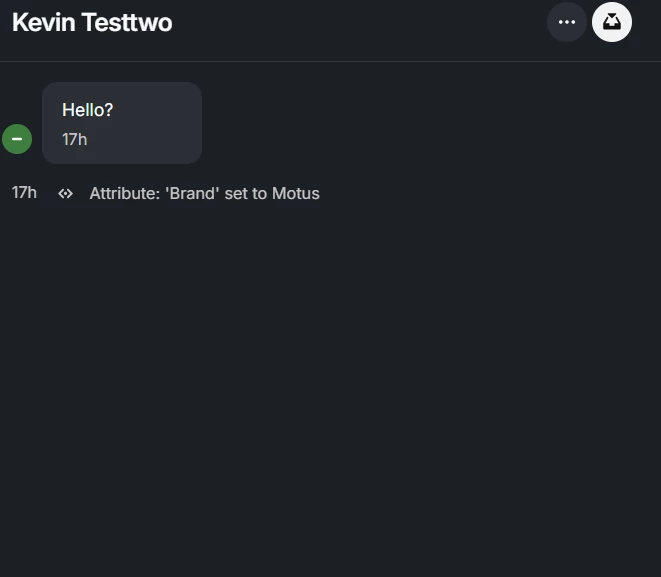
Hey @Kevin Stevens
Thanks for the detailed context on your Zendesk Messaging setup and the audience tests you’ve already tried, that’s really useful.
A few important points about how Fin for Zendesk Messaging works and why you might be seeing a blank widget:
- Expected behaviour with Fin + Zendesk Messaging
Fin connects to Zendesk via the Sunshine Conversations API and runs inside the Zendesk Messenger widget (not the old “classic chat” widget). When enabled, Fin replaces Zendesk Answerbot for new conversations, but it still uses your existing Zendesk messenger UI and channels. The Messenger itself should always load; Fin just controls what happens inside the conversation (greeting, answers, handoff, etc.).
So if the widget is completely blank (no greeting, no composer, or nothing loads at all), that usually points to a configuration or widget mismatch rather than an audience rule alone.
- What happens if someone doesn’t match a Fin audience
Audience rules in Fin decide when Fin engages and which content/guidance it can use. They do not turn off the Zendesk Messenger entirely.
If a user doesn’t match the audience you’ve set for Fin:
- They should still see the Zendesk Messenger load on the page.
- Fin will not run its workflow for that user, so they won’t see Fin’s greeting or answers.
- Any standard Zendesk behaviour you’ve configured (agents, triggers, ticket creation, etc.) can still handle that conversation, but there will be no Zendesk Answerbot fallback because Fin has replaced it for new conversations.
They are not meant to be “locked out” of messaging; they just won’t get a Fin experience.
- Why your widget may be blank in practice
Given that Fin is live but the widget is blank for some users, I’d focus on these checks:
- Confirm you’re using Zendesk Messaging (Sunshine Conversations) and not the classic Chat widget, as Fin only supports Messaging.
- In the Fin workspace, under Channels > Zendesk messaging, make sure:
- You’re connected to both Zendesk and the Conversations API.
- At least one messaging channel is enabled and saved for Fin to respond on.
- In the Fin conversation log you mentioned, confirm whether Fin is actually receiving the user’s messages at all for the blank-widget cases. If there are no events for those sessions, that suggests the widget or Sunshine connection isn’t initializing for those users rather than an audience mismatch.