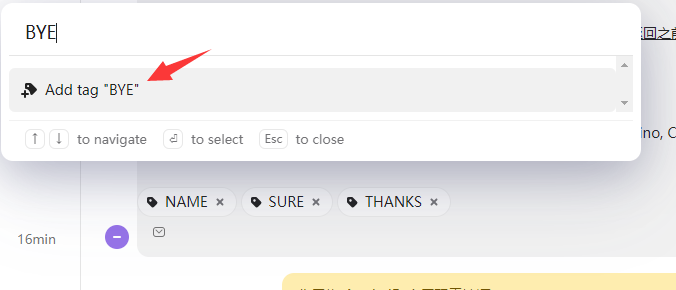
1. add new tag
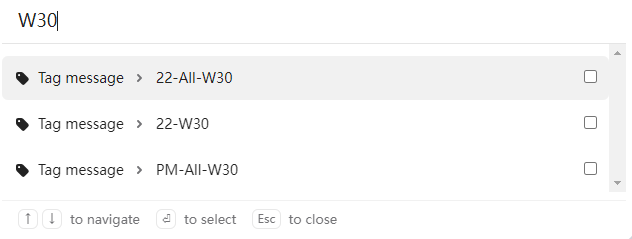
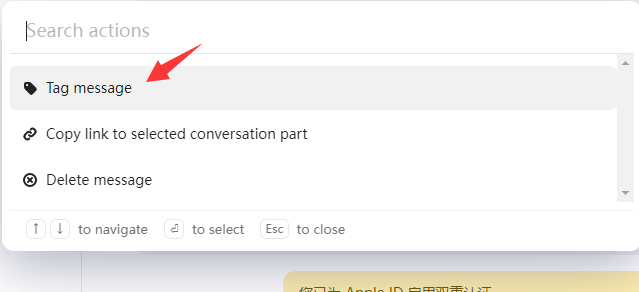
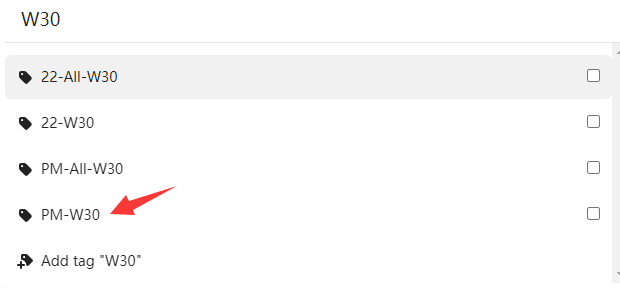
eg. tag W30 , there are 4 tags for now, but if I type W30 directly , it will only show 3 results . I need to tap tag message first , then I can find the tag I want
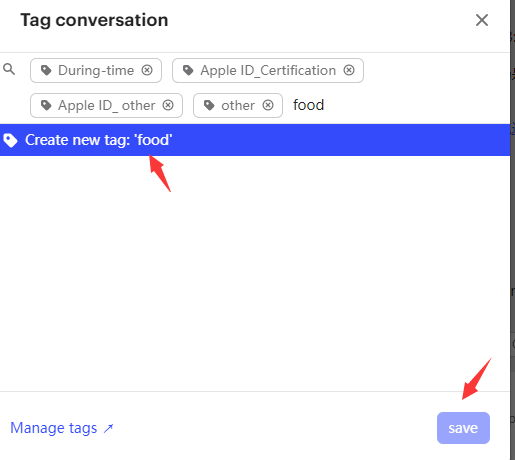
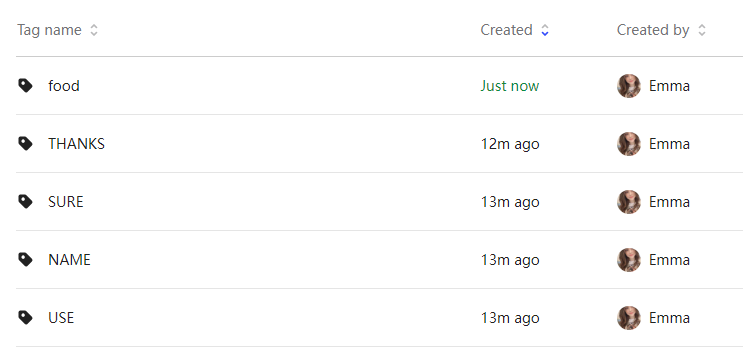
2. about create new tag
In the new Inbox , I do not need to confirm, there will be a new tag, but in old version, you need to confirm first, so that our staff would not create wrong tag, but right now it is really annoying
I just tried, 5 new tags are created without any confirm, which never happened in old version
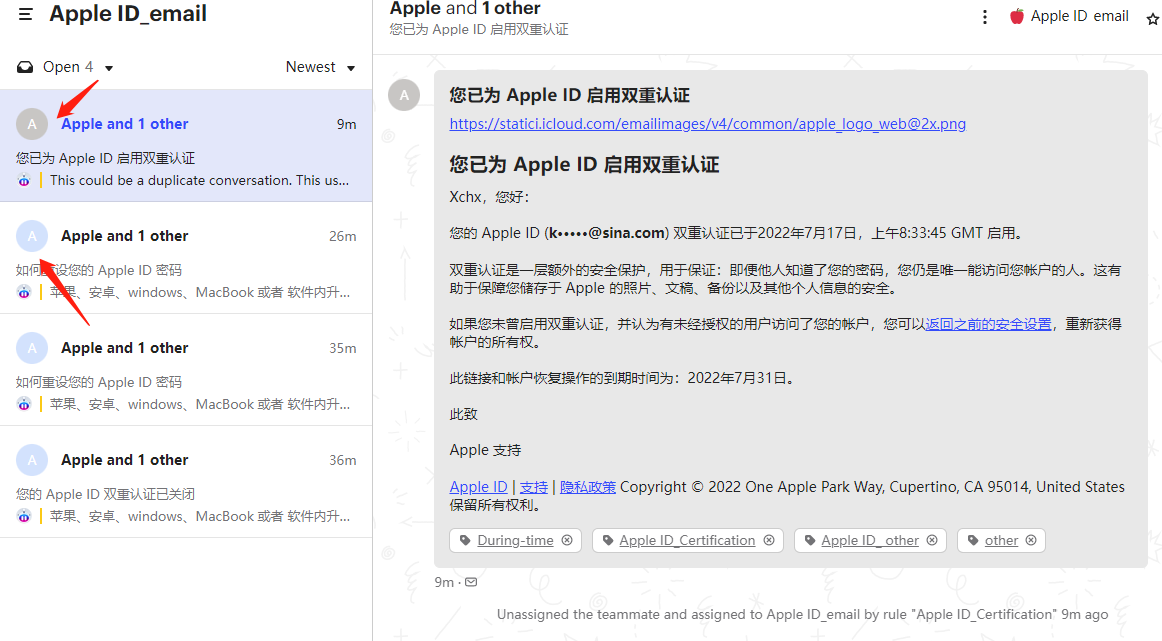
3.the email color is all the same in new version, but you can recognize with different color in lod version,which is really helpful,please make it different
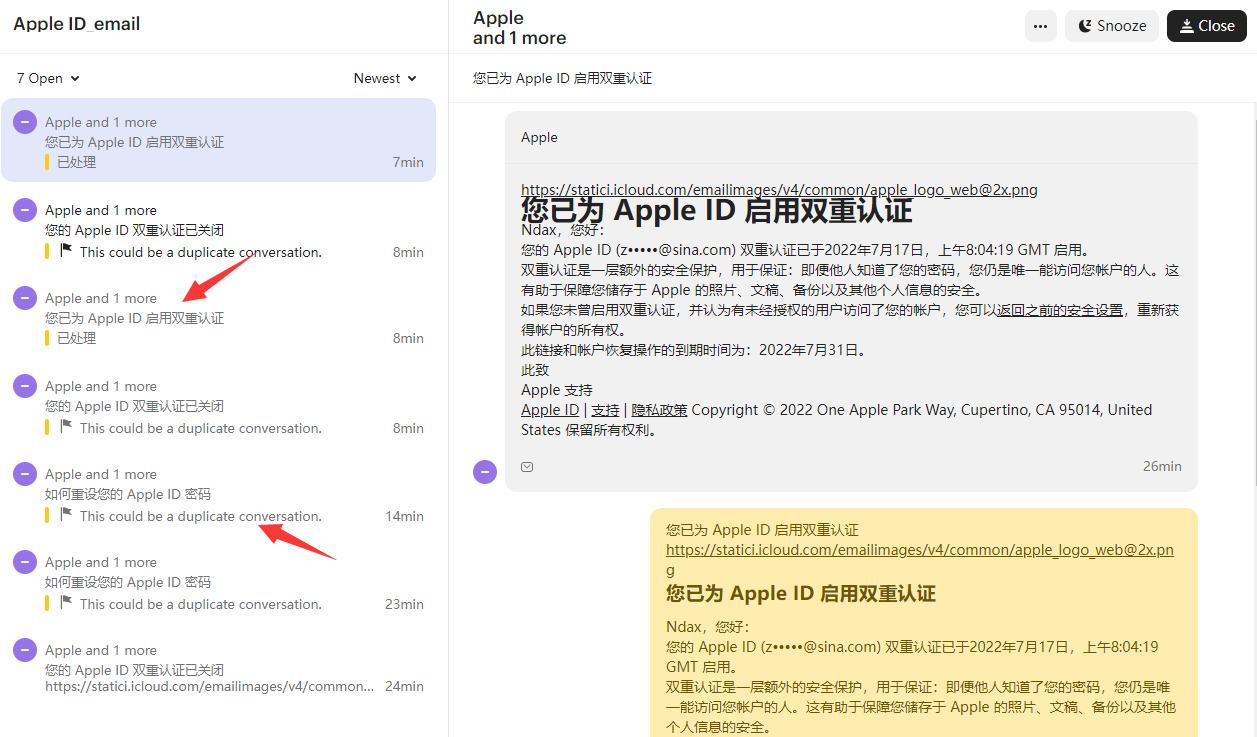
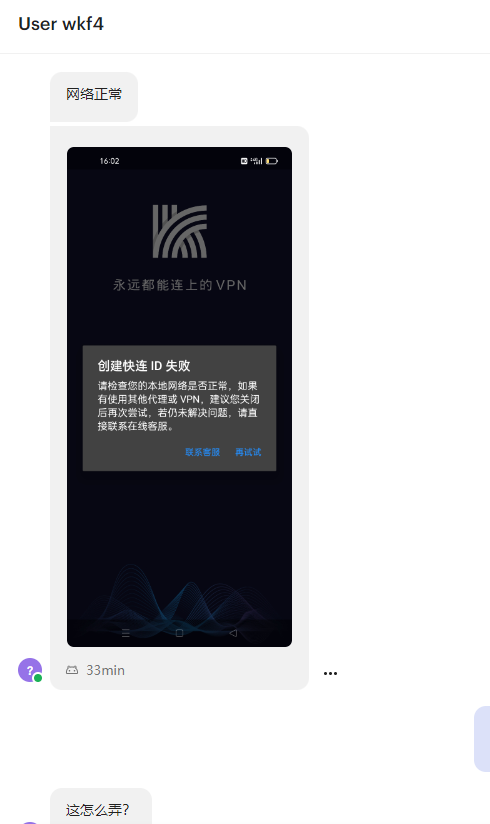
4.the screenshot in new inbox is really small , hard to see what is said
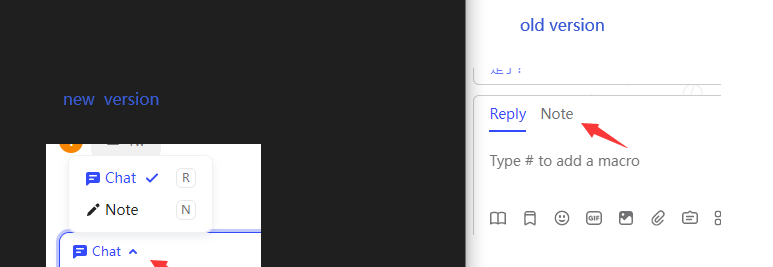
5. about the note
You need to tap chat or email first , then you can find note, in old version , you can find it directly