Specify audience when testing Fin | Community
Skip to main content
Released

Specify audience when testing Fin

Related products:Fin & AI
  • May 9, 2025
  • 6 replies
  • 25 views

Many of our articles/guidance/snippets are audience-filtered, and we want to ensure that answers work as expected for those audiences specifically, but when using the Fin preview testing environment, there doesn’t appear to be a way to pretend we are within a specific audience to ensure that the answers are working as expected. This is essential to check our measures are working effectively and without it we’re essentially going in blind and hoping for the best!

A good solution would be a simple dropdown within the testing environment that says “I am in X audience” so that only articles/guidance/snippets applicable to that audience are used during testing.


6 replies

Paul D
Intercom Team
Forum|alt.badge.img+2
  • Intercom Team
  • May 13, 2025

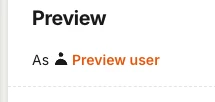
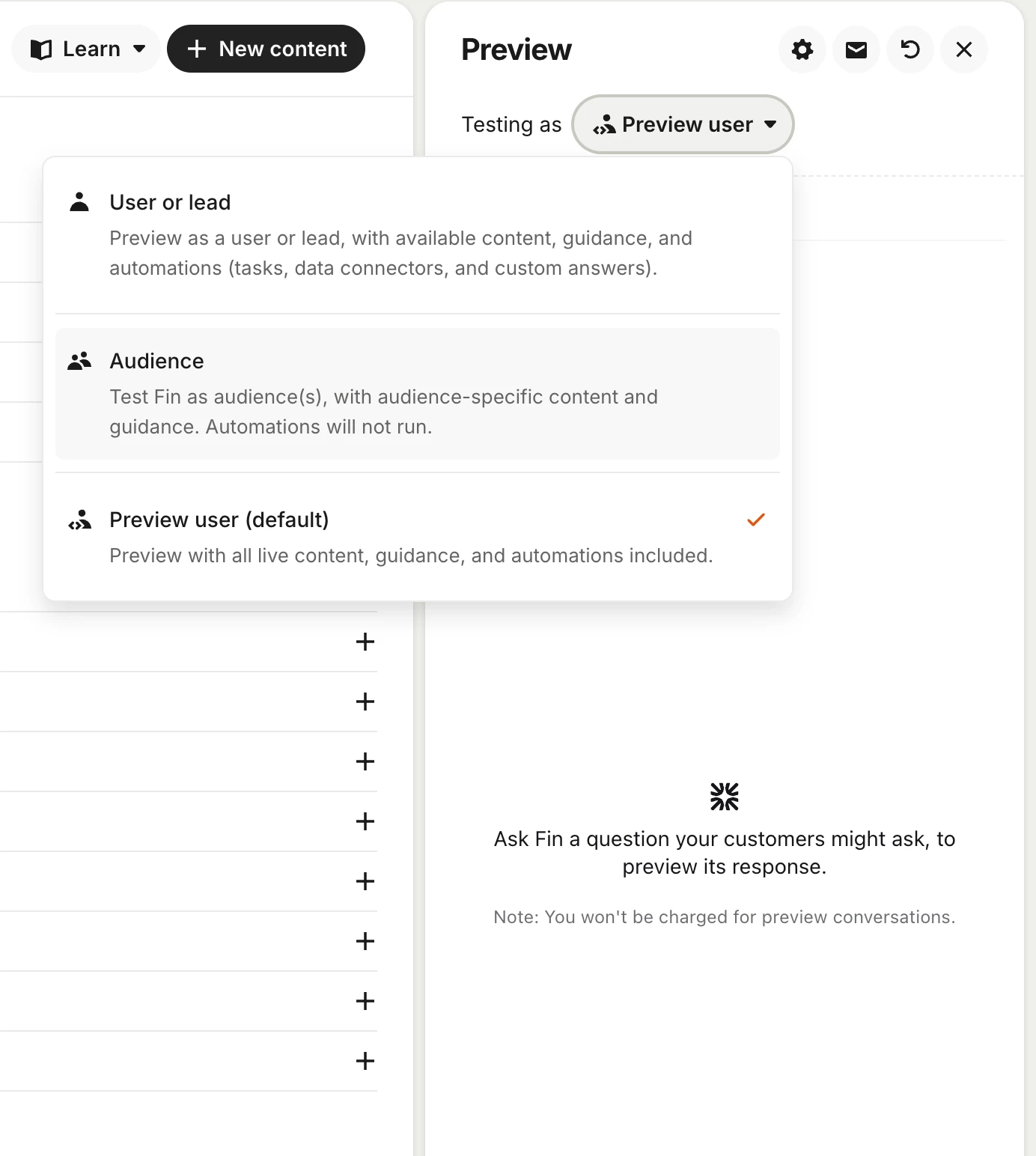
Hey ​@Hebe Neate-Clegg  - When using the Fin Preview, you can click on the As Preview User which will open a modal 


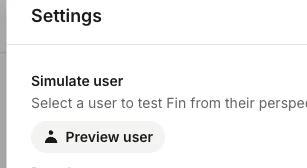
Click on Preview User


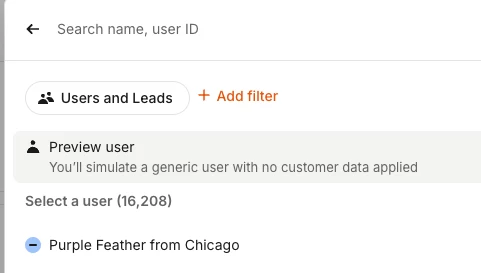
Finally you can add filters or select a user to simulate. Hope that helps!


Paul D
Intercom Team
Forum|alt.badge.img+2
  • Intercom Team
  • May 13, 2025
SubmittedReleased

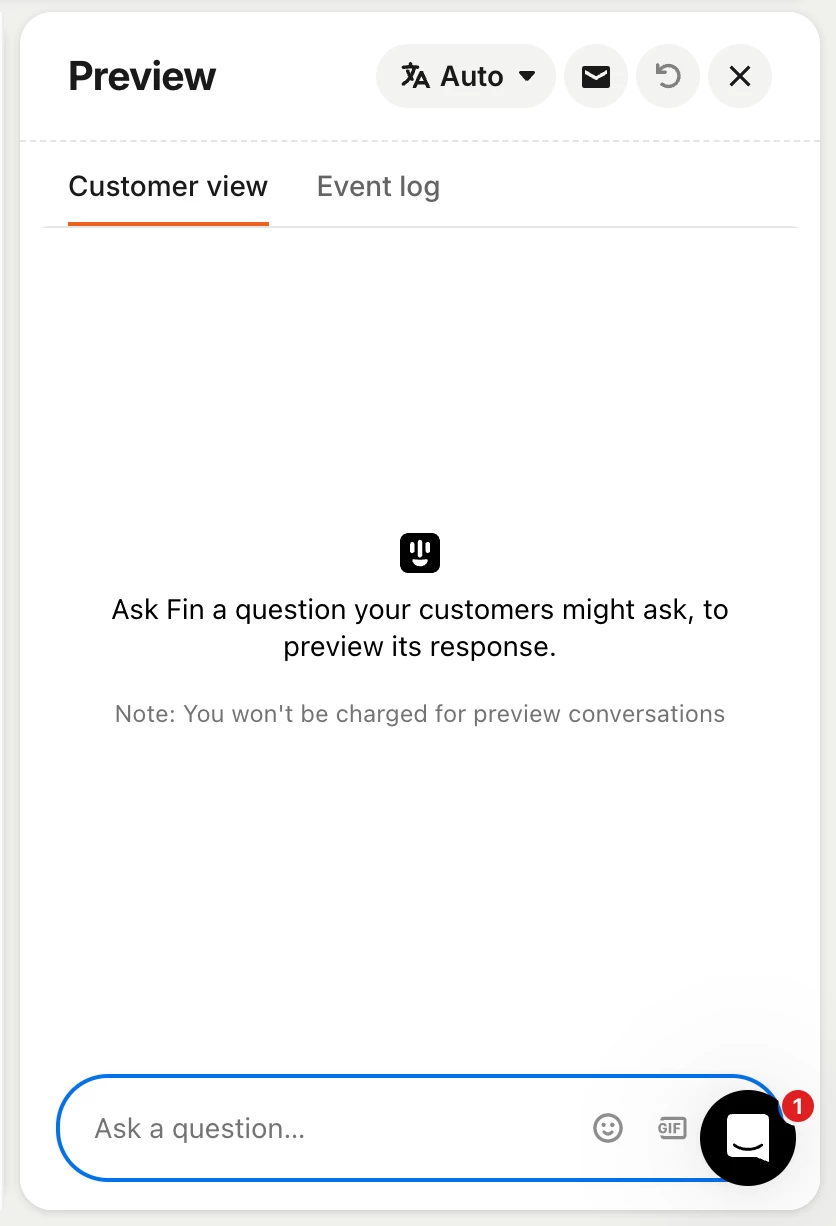
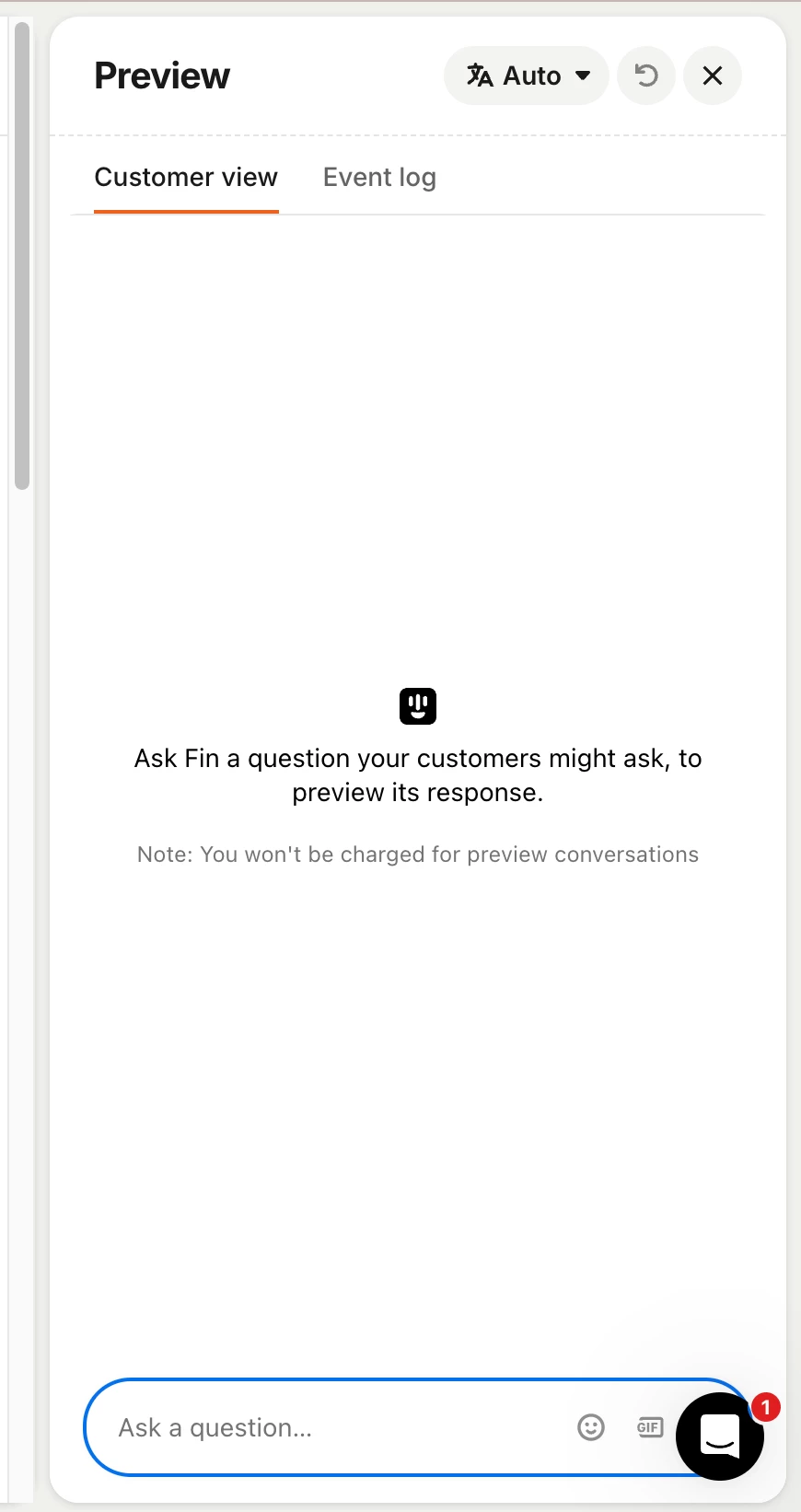
@Paul D thank you, however that doesn’t appear to be visible for the Fin testing environment within the “Train” section. Attached are screenshots (from “Guidance” and “Content” within “Train”), we usually want to test Fin from within the test area as this is where we are making changes so it would allow us to immediately try out what we’ve added - at present there doesn’t appear to be a way to apply an audience. If the functionality exists elsewhere in Intercom, please can it be added here?


Paul D
Intercom Team
Forum|alt.badge.img+2
  • Intercom Team
  • May 14, 2025

Sorry! After more digging I found that the preview user feature is currently in a closed beta. Hopefully we see it released for all workspaces soon. 🤞 Stay tuned!


Paul D
Intercom Team
Forum|alt.badge.img+2
  • Intercom Team
  • November 14, 2025

Hi ​@Hebe Neate-Clegg - This feature is now released for all workspaces!