

Notice that I'm unable to resize this image by entering the new dimensions until I've first selected one of the resize arrows from the toolbar, at which point I'm able to type in the values directly.
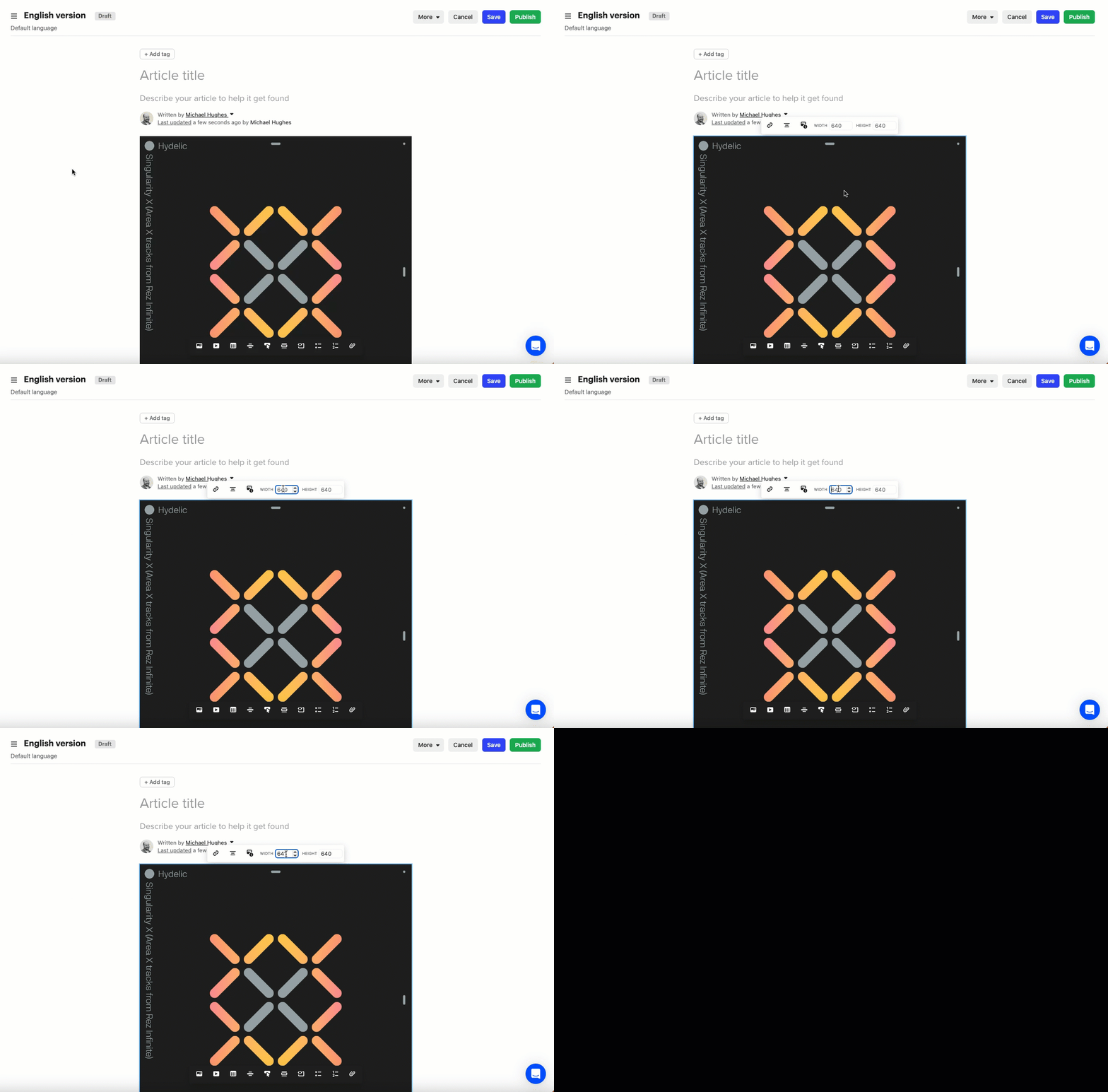

Notice that I'm unable to resize this image by entering the new dimensions until I've first selected one of the resize arrows from the toolbar, at which point I'm able to type in the values directly.
Best answer by Racheal
Hey @michael h18 Racheal from the support engineer team here👋
This does not seem like expected behavior. Could you write into the support team so we can take a better look at this for you?
Already have an account? Login
No account yet? Create an account
Enter your E-mail address. We'll send you an e-mail with instructions to reset your password.