

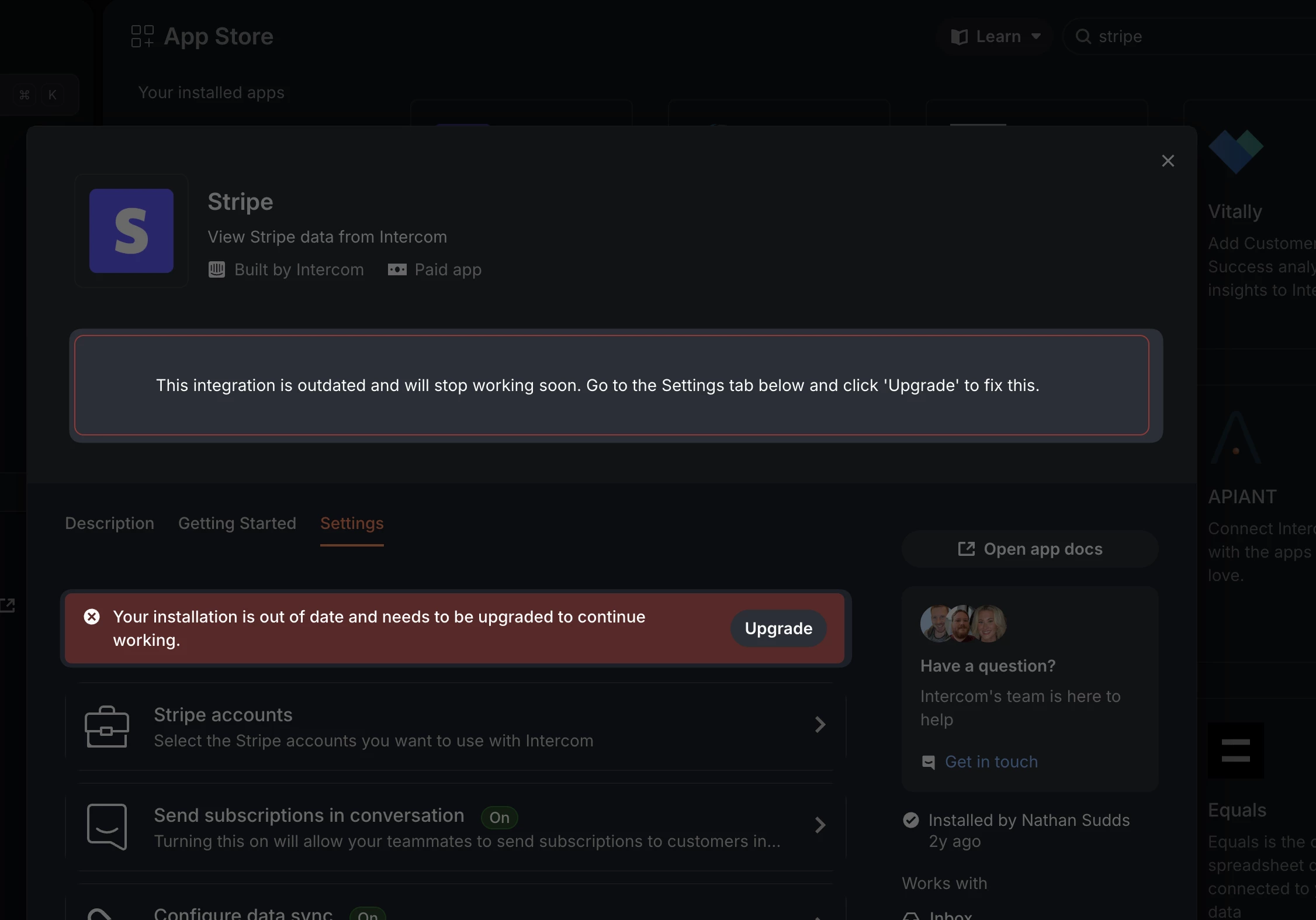
Hi all, we use the Stripe integration from the Intercom App store, and I’ve found some cases in which not all of the Stripe data is populated when a subscription is created.
Looking at the affected record in Stripe, I can see the event logs that reference data sent to Intercom but there are no errors present and the request body matches other Intercom users that DO have the subscription data.
Is there any logging from the Stripe app in the Intercom marketplace where we can try and troubleshoot this? The best answer I got from Fin was “turn it on and off again” which might be the solution, but I’m hesitate to try that given how central this integration is to us.

Answered
Stripe Integration Not Writing All Data
Best answer by Paul Byrne
Hey
Thanks, we can troubleshoot this. Intercom logs app webhook deliveries internally , and we have an Admin Webhooks tool that can ping a subscription or temporarily kill deliveries for a host. To correlate what Stripe shows with what Intercom received, we need three pieces of evidence from you (Stripe event ID + payload, the Intercom app/workspace/App ID, and the affected user/company ID).
Once you provide those, I will look up delivery attempts and show you the request/response(s) from Intercom’s side, along with the mapping that shows which subscription fields were attached (or failed to attach).
Please open a conversation in Messenger so that the Support team can triage this for you.







Join the Intercom Community 🎉
Already have an account? Login
Login to the community
No account yet? Create an account
Intercom Customers and Employees
Log in with SSOor
Enter your E-mail address. We'll send you an e-mail with instructions to reset your password.