Creating previous/next buttons in help centre articles | Community
Skip to main content
Submitted

Creating previous/next buttons in help centre articles

Related products:Knowledge & Help Center
  • July 5, 2024
  • 2 replies
  • 22 views

Hi there, I’m updating our help centre and figured it would be useful to include previous/next article buttons rather than linking to related articles. I’ve started building this with the regular buttons as I did not find an automatic option in settings. Unfortunately, I found that I can not put two buttons on the same line, resulting in a weird look for previous/next buttons.
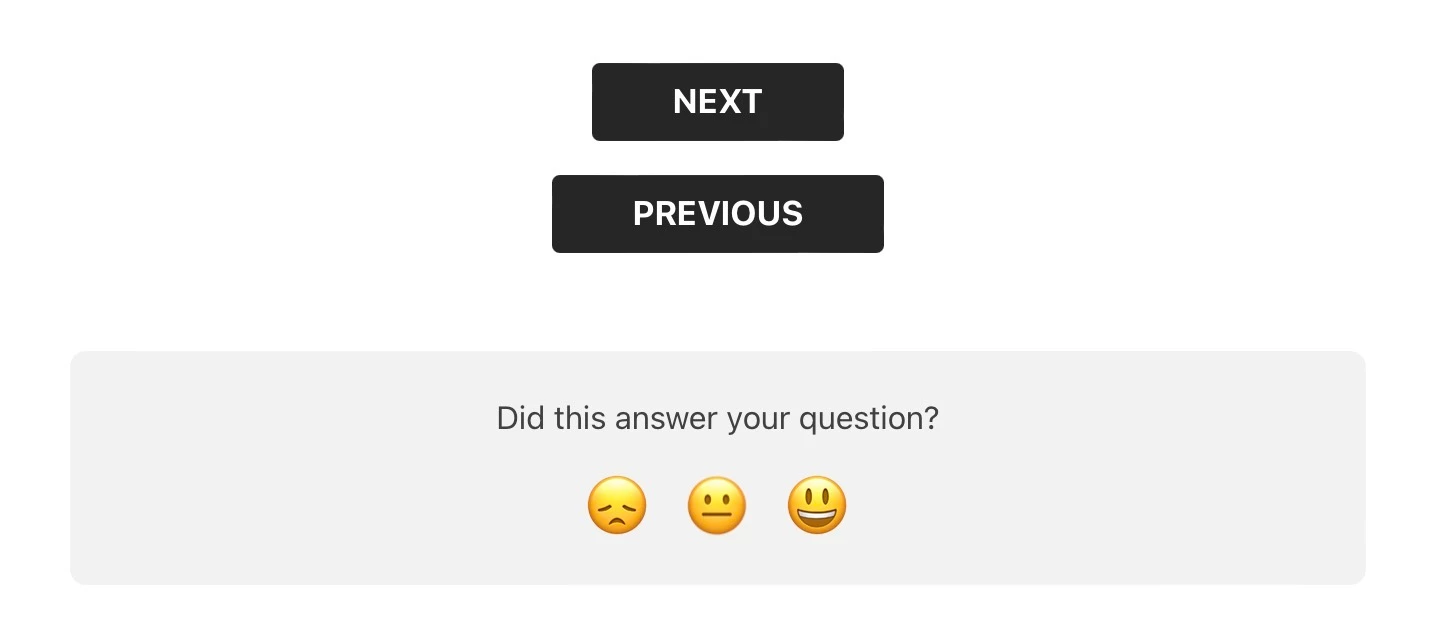
Would there be a way to put the PREVIOUS button on the left and the NEXT button on the right on a single line?

Thank you!

July 8, 2024

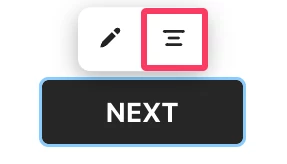
Hi @Nick van Drunen 👋 Nice implementation of buttons in your articles here! At the moment, you can only position article elements on the left or centre of articles, using this button:


However, I agree that it would be great to see this as a feature within Articles to navigate onto the next. I’ve passed this on to the Product team for you. I would recommend keeping an eye on New at Intercom for product releases and updates like this ✨ 🚀

2 replies

bernice
Expert User ✨
Forum|alt.badge.img+2
  • Expert User ✨
  • July 8, 2024

Hi @Nick van Drunen 👋 Nice implementation of buttons in your articles here! At the moment, you can only position article elements on the left or centre of articles, using this button:


However, I agree that it would be great to see this as a feature within Articles to navigate onto the next. I’ve passed this on to the Product team for you. I would recommend keeping an eye on New at Intercom for product releases and updates like this ✨ 🚀


Jennifer K
Intercom Team
Forum|alt.badge.img+3
  • Intercom Team
  • July 10, 2024
NewDiscussion ongoing