



It would sure be helpful to have the “drag to resize” functionality for images in Articles. While you can manually change the width and height, or enter in your desired values, there is no “lock” between the values to help it scale with a proper ratio, leading to some wonky images.
Here is the current option:
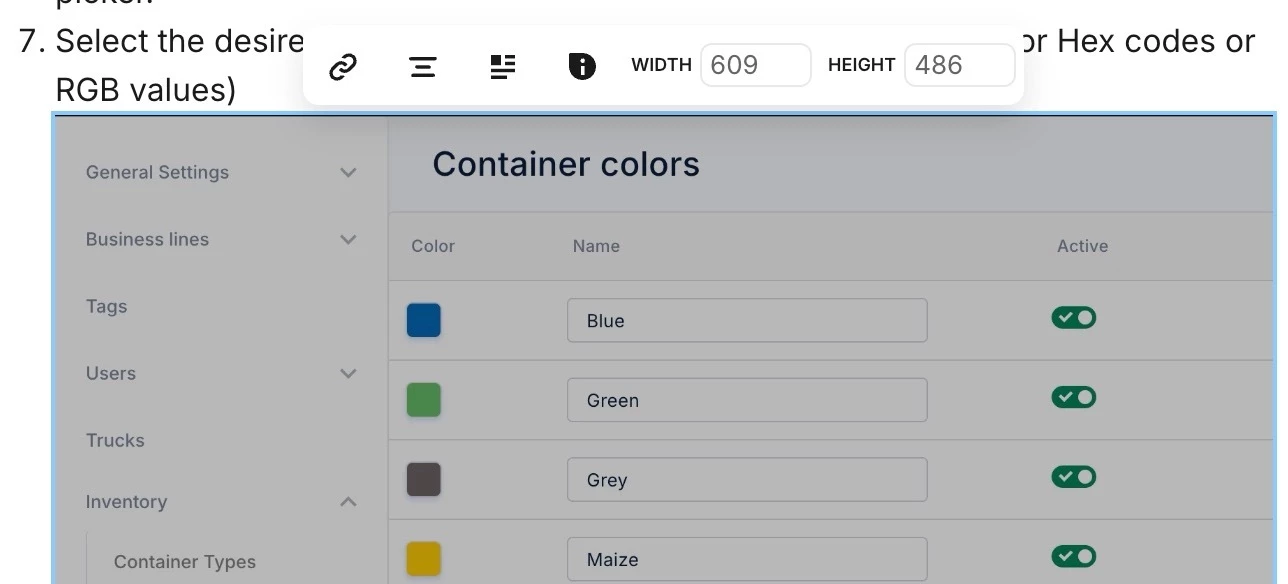
Best use case:
I add an image to an article, and then can drag/pull the corners to scale the image up or down to fit the content. This prevents accidentally breaking the image or making it wonky. We’re not all designers who know the ins and outs of image scaling and sizing rules, and the usability here would be great to allow documentation teams to self serve without bugging the design team for visual issues.
Thanks for considering!