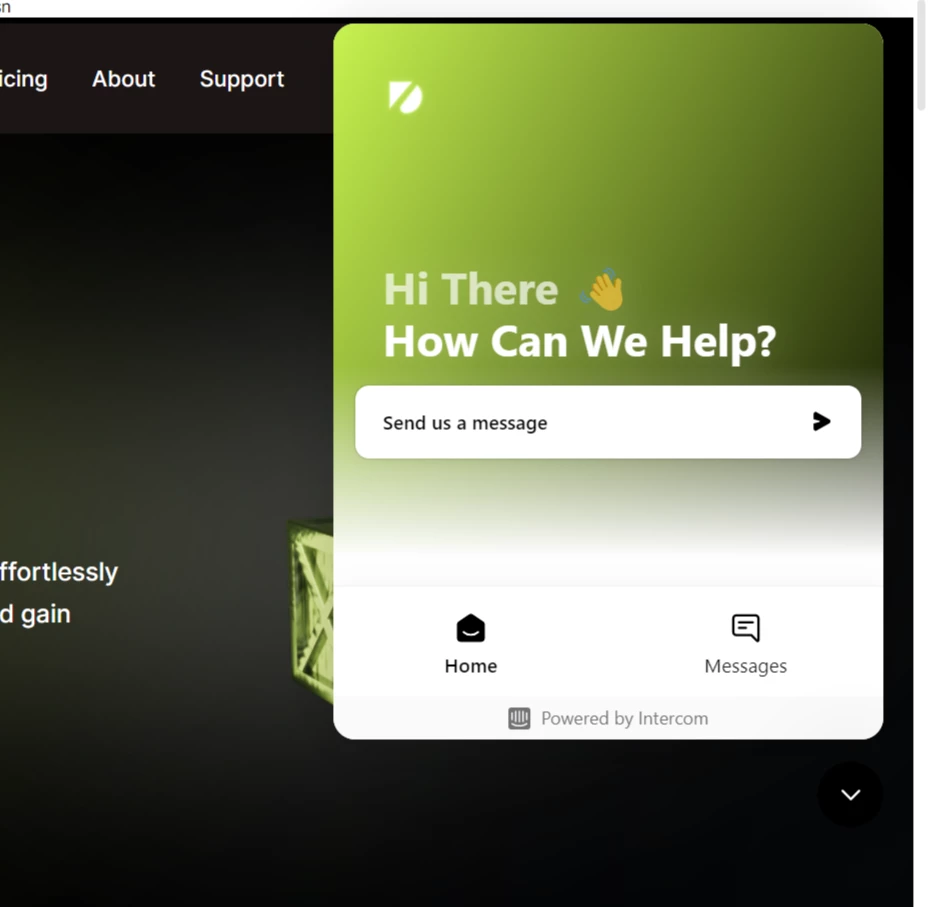
I want the messenger window to close once I click outside it anywhere. Currently, it only closes when I press the downwards arrow, which is not good for UX.
If possible, please tell how I can do this within the Intercom code. I have tried some custom hacks in JavaScript by finding the clickable HTML element, but they are not working.
The open window is in the attached screenshot.
The relevant code for rendering this is this:
Intercom({
app_id: 'ussh6hvz',
user_id: data.id, // IMPORTANT: Replace "user.id" with the variable you use to capture the user's ID
name: data.userProfile.name, // IMPORTANT: Replace "user.name" with the variable you use to capture the user's name
email: data.userProfile.email, // IMPORTANT: Replace "user.email" with the variable you use to capture the user's email address
created_at: data.userProfile.created_at // IMPORTANT: Replace "user.createdAt" with the variable you use to capture the user's sign-up date
});