


Image Gallery for knowledge base articles | Community
Skip to main content
Submitted

Image Gallery for knowledge base articles

Related products:Knowledge & Help Center
  • January 21, 2025
  • 1 reply
  • 85 views

In most companies, the user interface (UI) is constantly evolving. Currently, whenever the UI of a button changes in our system, we must manually find and replace the corresponding image in every article where it has been used. This process is time-consuming and prone to errors.

To address this issue, I propose introducing an Image Gallery feature. This feature would serve as a centralized library of reusable image templates, making it easier to manage and update images in articles.


Benefits and Features of the Image Gallery

  1. Reusable Image Templates
    The Image Gallery would function as a centralized repository for commonly used images, similar to a clipboard but specifically for images. A button within the article editor would display a list of available images, allowing users to quickly select and paste them into articles.

  2. Simplified Updates Across Articles
    Updating an image in the Image Gallery would automatically update it in all articles where that image is used. This eliminates the need for users to individually replace images in multiple articles whenever a UI change occurs.

  3. Streamlined Workflow
    By reducing the manual effort required to maintain UI consistency across articles, the Image Gallery would save time, minimize errors, and ensure that all articles always reflect the latest UI changes.

1 reply

dennismortensen

Hey ​@Jawad Sabih,

Hear hear. A centralized repository for reusable images solves an obvious and real problem; keeping image assets consistent across a large knowledge base is not easy.

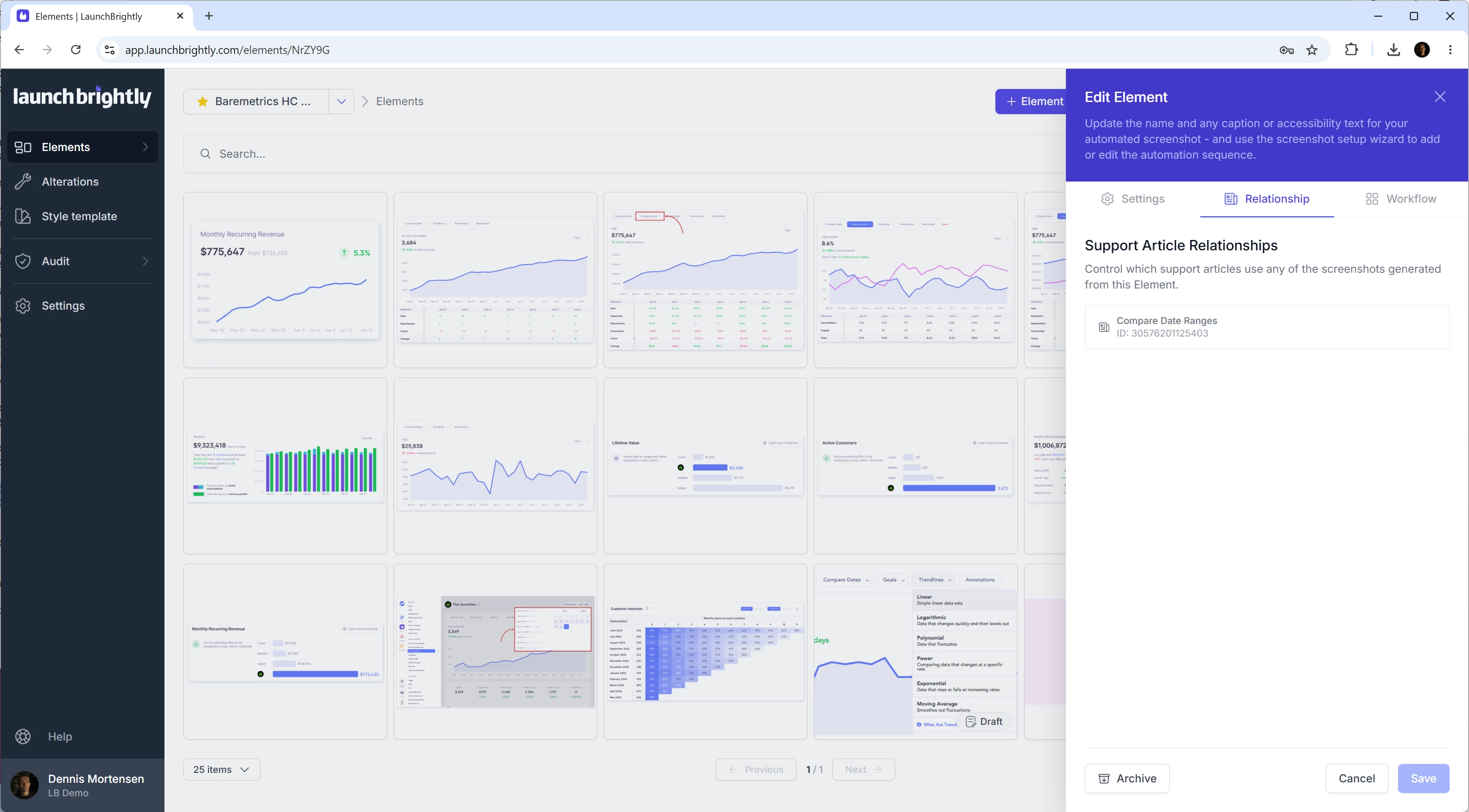
Many support teams use LaunchBrightly as their centralized repository and source of truth for product screenshots, and it might be helpful on your journey (full disclosure: I'm the founder, so please add the appropriate grain of salt to my words, he he).

The workflow is a little different, but the goal is similar. Rather than manually managing screenshots across articles, teams maintain a canonical set of screenshots on our platform, continuously regenerate them as their product evolves, and identify which images in Intercom have drifted from the latest version. Approved updates can then be synced directly back into the affected articles.

If you're curious:
• Intercom integration: https://launchbrightly.com/integrations/intercom 
• Intercom App Store: https://www.intercom.com/app-store/?app_package_code=launchbrightly-dev 
• 5-minute demo: https://www.youtube.com/watch?v=dz2XHna5Uyw 

Either way, I agree with the spirit of your request. Having a centralized repository where a single image update can propagate everywhere it's used would make maintaining a knowledge base significantly easier.

Have an awesome week,
Dennis :-)