Increase Resolution of Screen Recordings | Community
Skip to main content
Submitted

Increase Resolution of Screen Recordings

Related products:Messenger
  • October 8, 2024
  • 4 replies
  • 29 views

Forum|alt.badge.img+1

When a messenger call with screenshare is recorded, the resolution is 320x140px making the screen text unreadable and the recording useless.


October 16, 2024

Hi @Jack Etherington 

Thanks for this feedback, I’ll bring this to the R&D team and see if something can be done regarding the resolution when screen sharing during a call.

I’ll submit this as a feature request,  whenever we do release new features, we'll announce it on the Product Changes page, so I'd recommend keeping an eye here

This topic has been closed for replies.

4 replies

Jennifer K
Intercom Team
Forum|alt.badge.img+3
  • Intercom Team
  • October 15, 2024

Hi @Jack Etherington 

Jennifer here from Intercom

Could you please share more context on what you would like it to be so I can pass this on to our Product Team?


Jennifer K
Intercom Team
Forum|alt.badge.img+3
  • Intercom Team
  • October 15, 2024
NewDiscussion ongoing

Forum|alt.badge.img+1

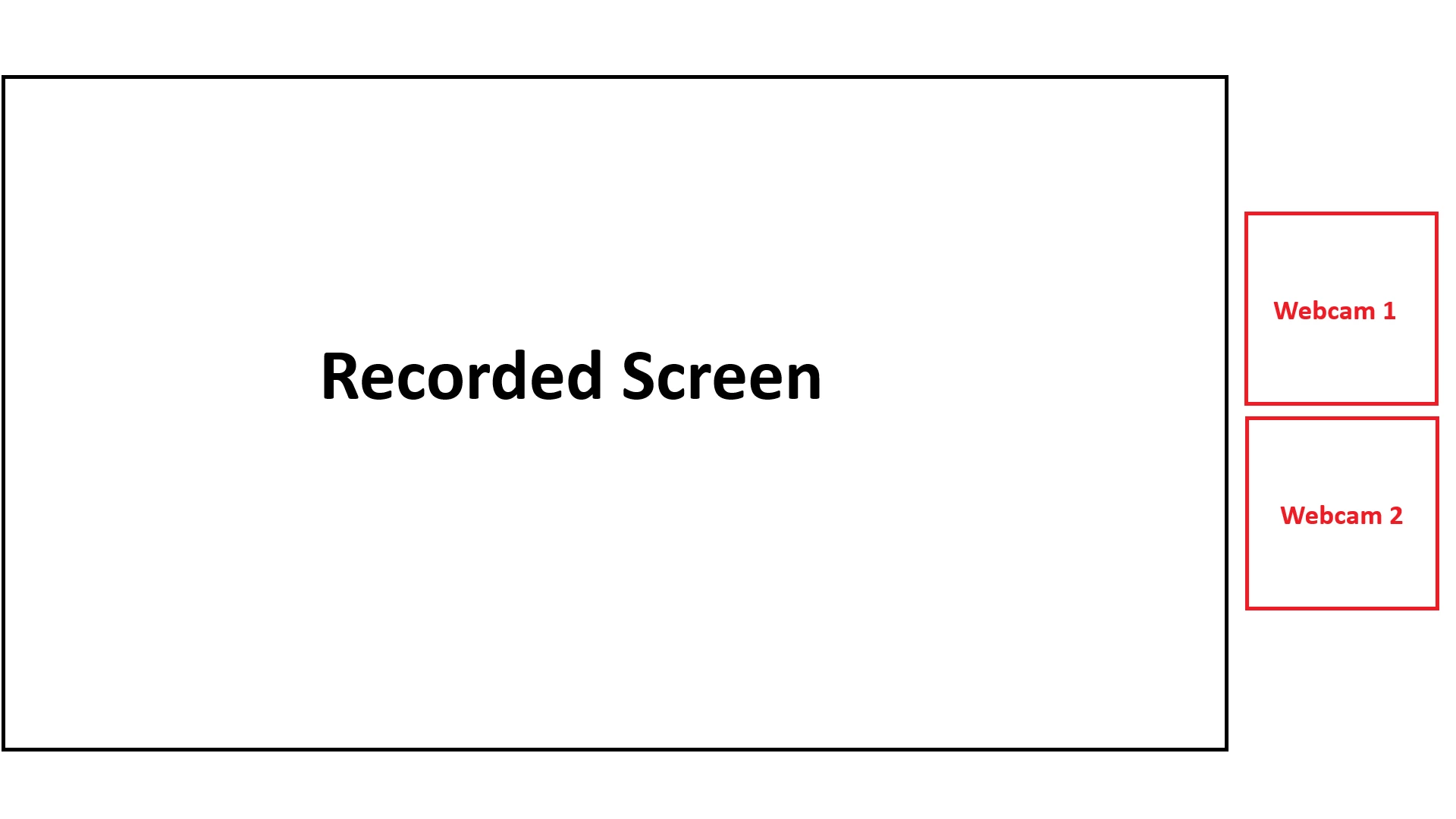
Sure @Jennifer K, when I use screen recording in other tools such as Zoom or MS Teams, the screen being recorded takes up 90% of the video real estate, so the text can be read. It is less important to have faces at higher resolution but text must be a high resolution to be read.

The resolution should be at least 1080p so that the text is readable. In it’s current form, Intercom screen recordings are not usable.


As I explained above, the screen recording was 320x140 px. This is roughly 1/8 of the pixels of the screen being recorded.


Forum|alt.badge.img+7

Hi @Jack Etherington 

Thanks for this feedback, I’ll bring this to the R&D team and see if something can be done regarding the resolution when screen sharing during a call.

I’ll submit this as a feature request,  whenever we do release new features, we'll announce it on the Product Changes page, so I'd recommend keeping an eye here