Not Able to Copy/Save to PDF on Long Side Conversation Threads | Community
Skip to main content
Submitted

Not Able to Copy/Save to PDF on Long Side Conversation Threads

Related products:Tickets
  • January 15, 2026
  • 5 replies
  • 89 views

Forum|alt.badge.img

Currently, there’s no way to download/export a side conversation. As a workaround, I tried copying the whole side conversation thread & then saving it as a PDF. However, that doesn’t seem to work on longer threads. Only 4 or 5 of the replies in the thread actually get copied into the PDF. We’ve tested on Mac & Windows, & the behavior is the same. We’ve also tried pasting the copied thread to Google & Word docs, but it still behaves the same way.

At the very least, we need this functionality fixed so that we’re able to copy & save longer side conversation threads to a PDF. In addition to this, we need the dates and times of each reply to be shown in the PDF. Ideally though, we need a way to export side conversations.

5 replies

  • New Participant
  • January 16, 2026

Hi Nicole,

I understand the frustration with exporting long side conversation threads, it can be tricky to preserve all replies and timestamps. One workaround that has worked for some users is using software designed for managing detailed projects. This type of tool can help ensure all data is captured and organized properly, similar to how specialized slicer software handles complex project exports.

Hopefully, this gives you a temporary solution until an official export feature is available!


Sonal Raval
Forum|alt.badge.img+1
  • Active User
  • February 17, 2026

It would be great if the current “Export ticket as PDF” option could be enhanced to include side conversations too as an add-on to the export of the ticket/conversation content. Including images and attachments


Forum|alt.badge.img+2

Hello Sonal and Jill,

I built an app that solves this.
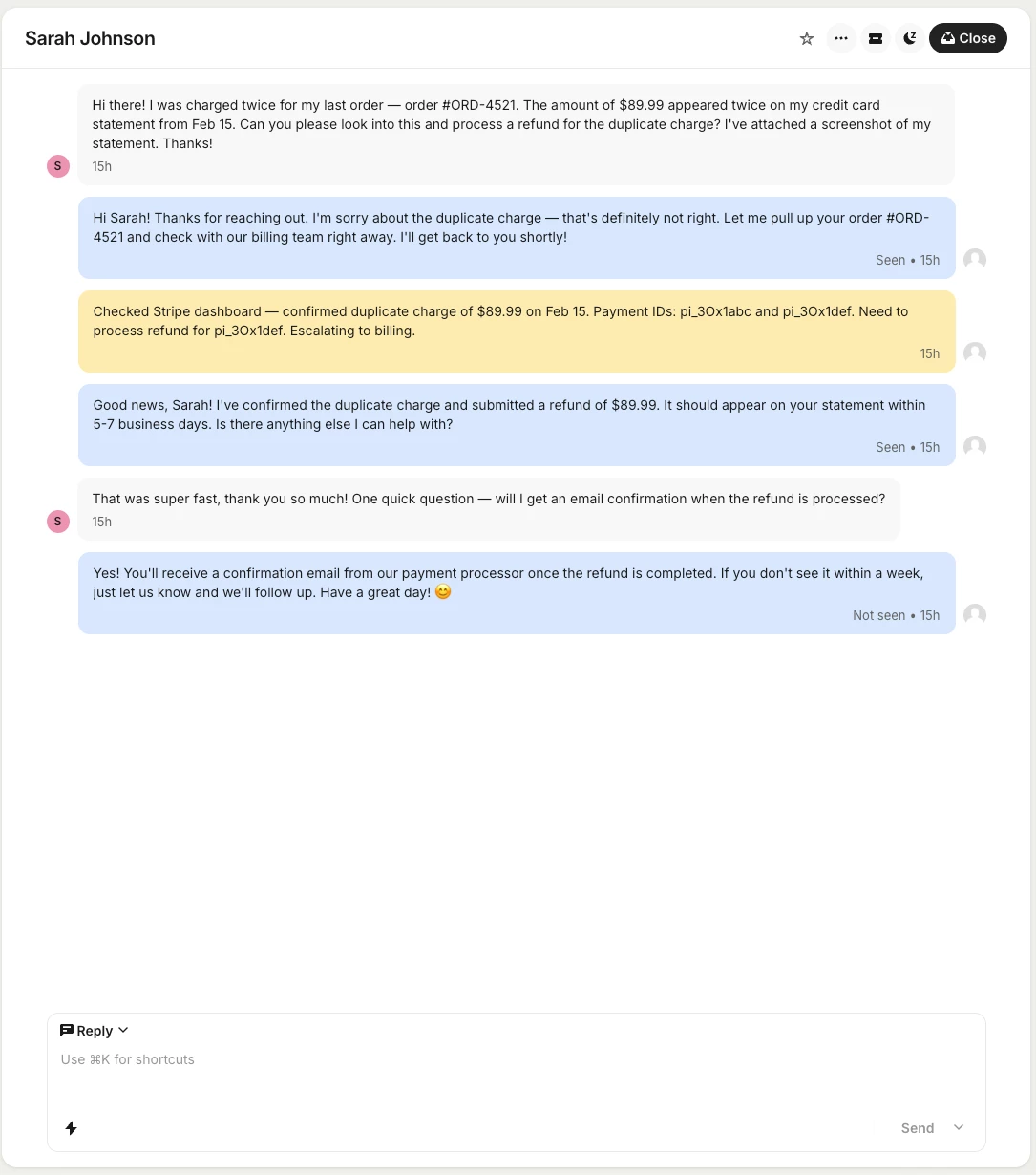
This is the ticket conversation:

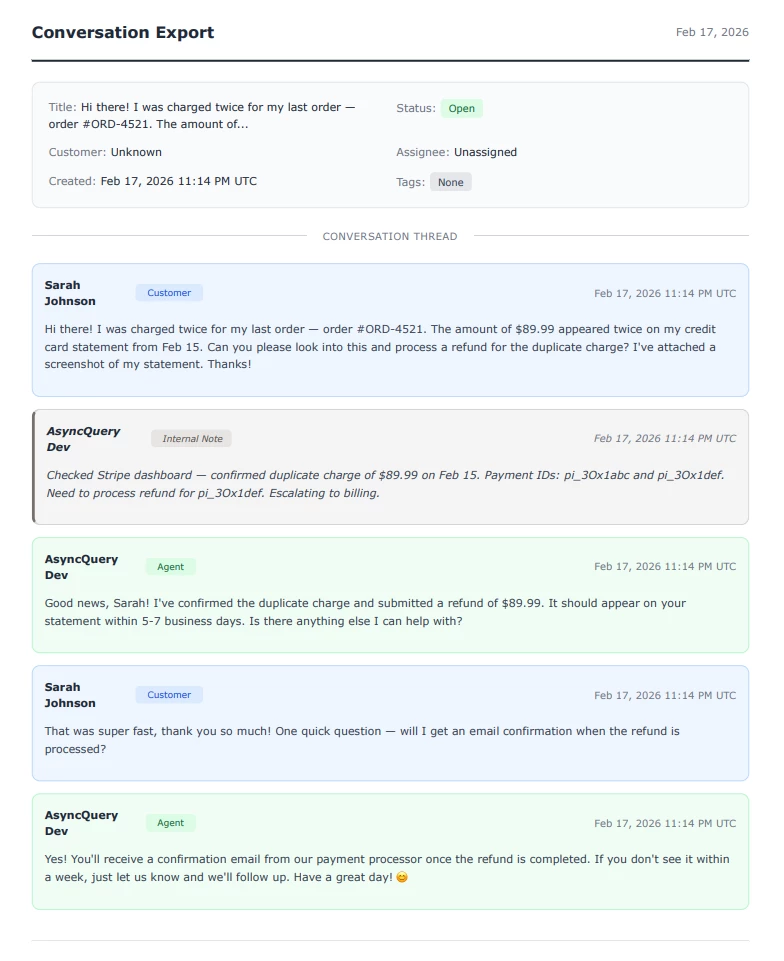
and a screenshot with the exported pdf: 

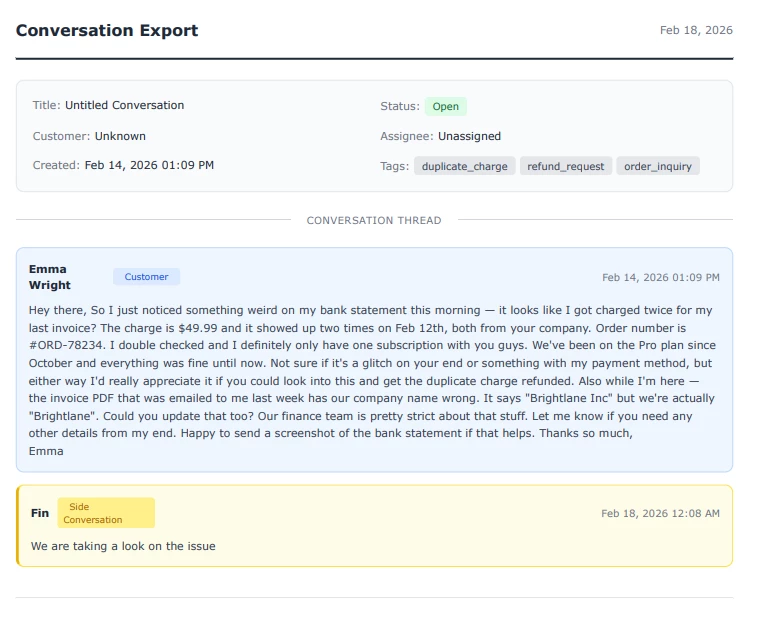
It was captures side conversation. Here is a screenshot with pdf exported:


Currently pending marketplace approval, but happy to set up early access for anyone interested. I've sent you both a DM.


Forum|alt.badge.img+2

It’s deployed on Intercom AppStore: Export Conversations


Sonal Raval
Forum|alt.badge.img+1
  • Active User
  • April 9, 2026

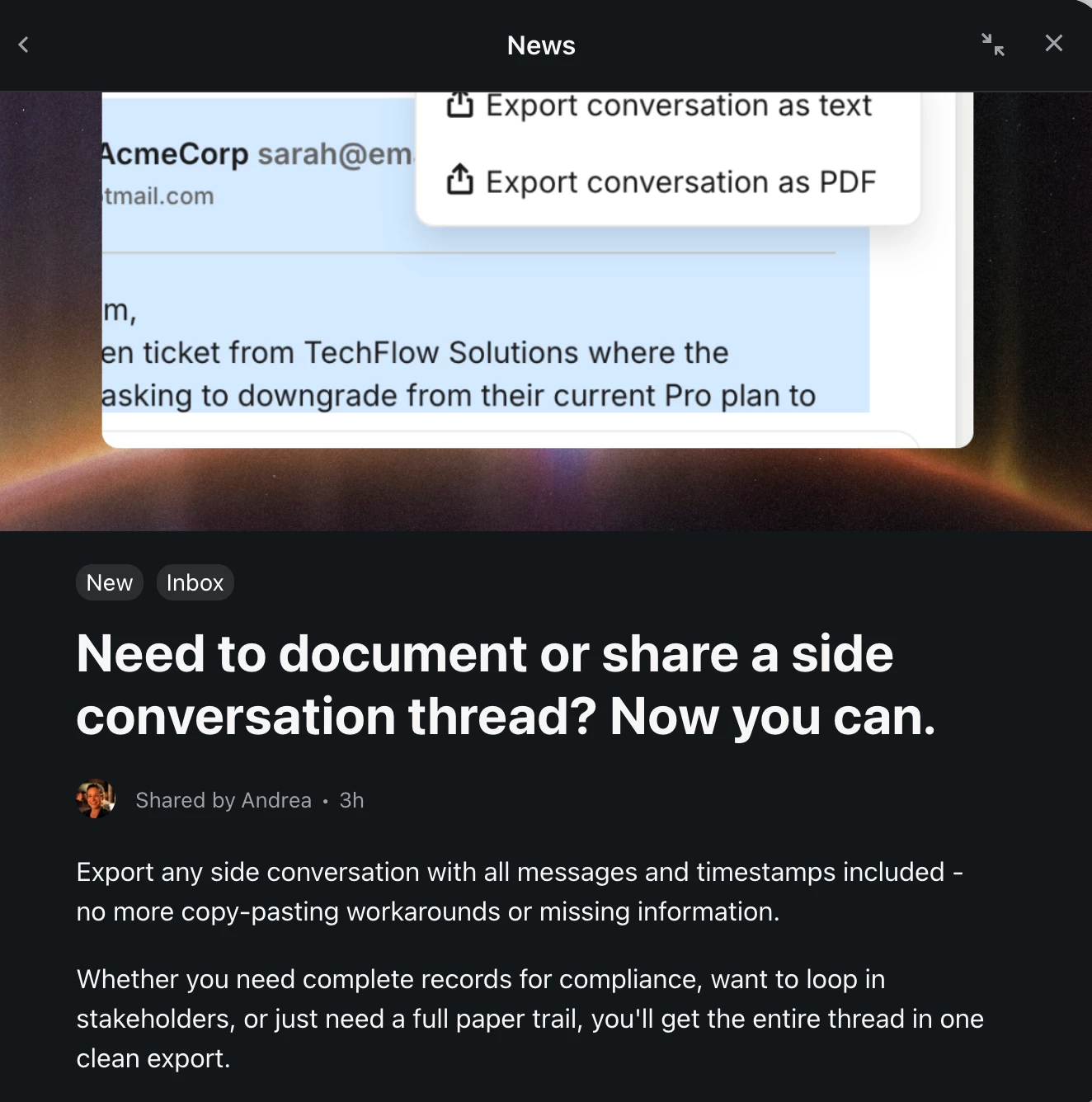
I believe this is solved for now with this new functionality Intercom just posted? Yay!!