Organize webpages in a shared folder in Knowledge | Community
Skip to main content
Submitted

Organize webpages in a shared folder in Knowledge

Related products:Knowledge & Help Center
  • May 28, 2025
  • 3 replies
  • 27 views

Daniel Rönnberg
Forum|alt.badge.img+1

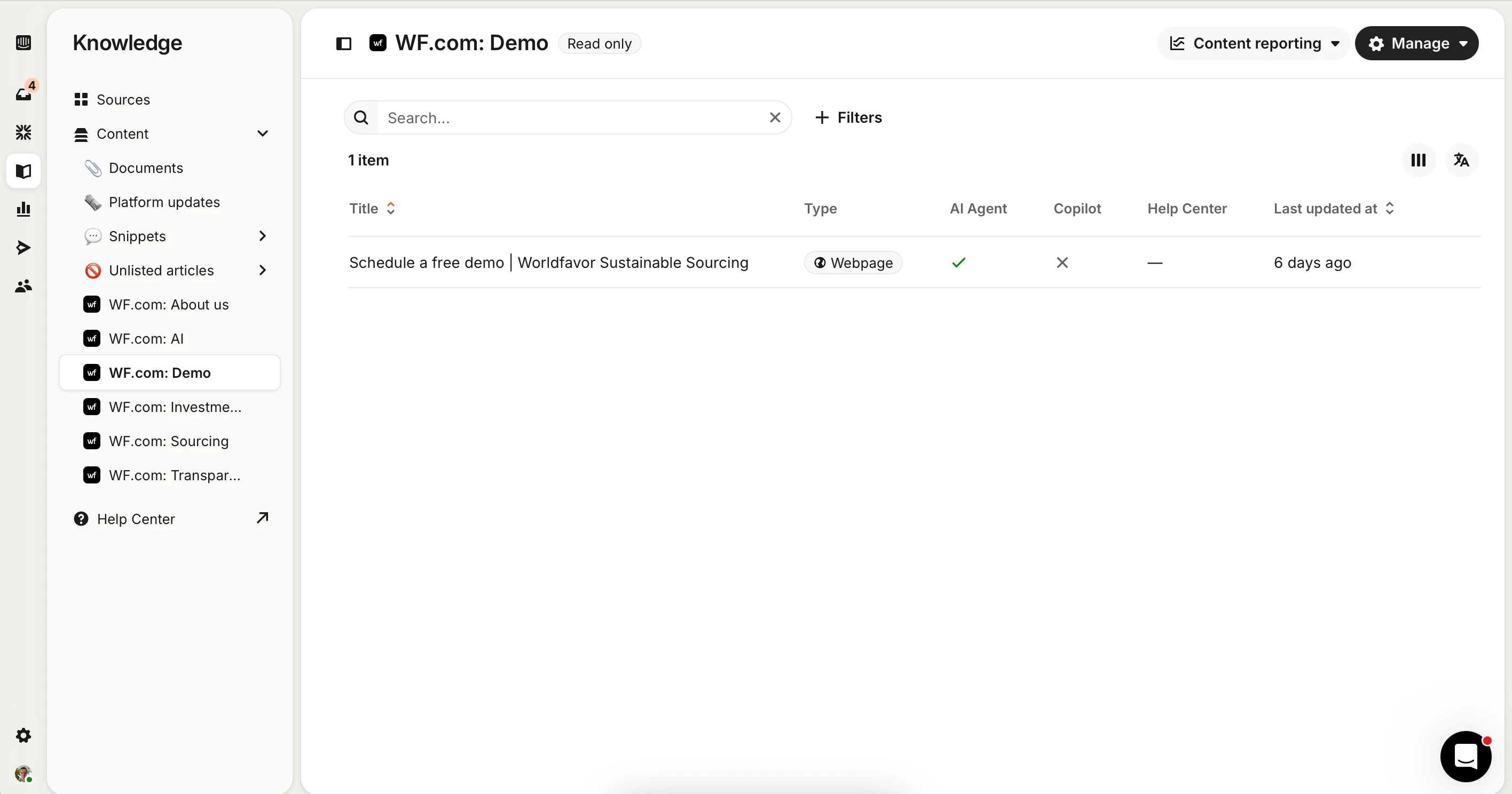
When adding individual webpages as knowledge sources (e.g. "About us", "Schedule a demo", etc.), each webpage is automatically placed in its own dedicated folder within the Knowledge base. Since we often add only a single page from each URL, these folders end up containing just one item each, creating unnecessary fragmentation in the content structure (see screenshot).

It would be great if we had the ability to group multiple webpages from the same website into a single custom folder, such as “Website content”. If multiple pages are imported from the same site, allow those to be organized within subfolders inside the main folder. 

This change would improve content organization and clarity and allow for easier navigation and management in the Knowledge base.
 

3 replies

Nathan Sudds
Top Expert ✨
Forum|alt.badge.img+8

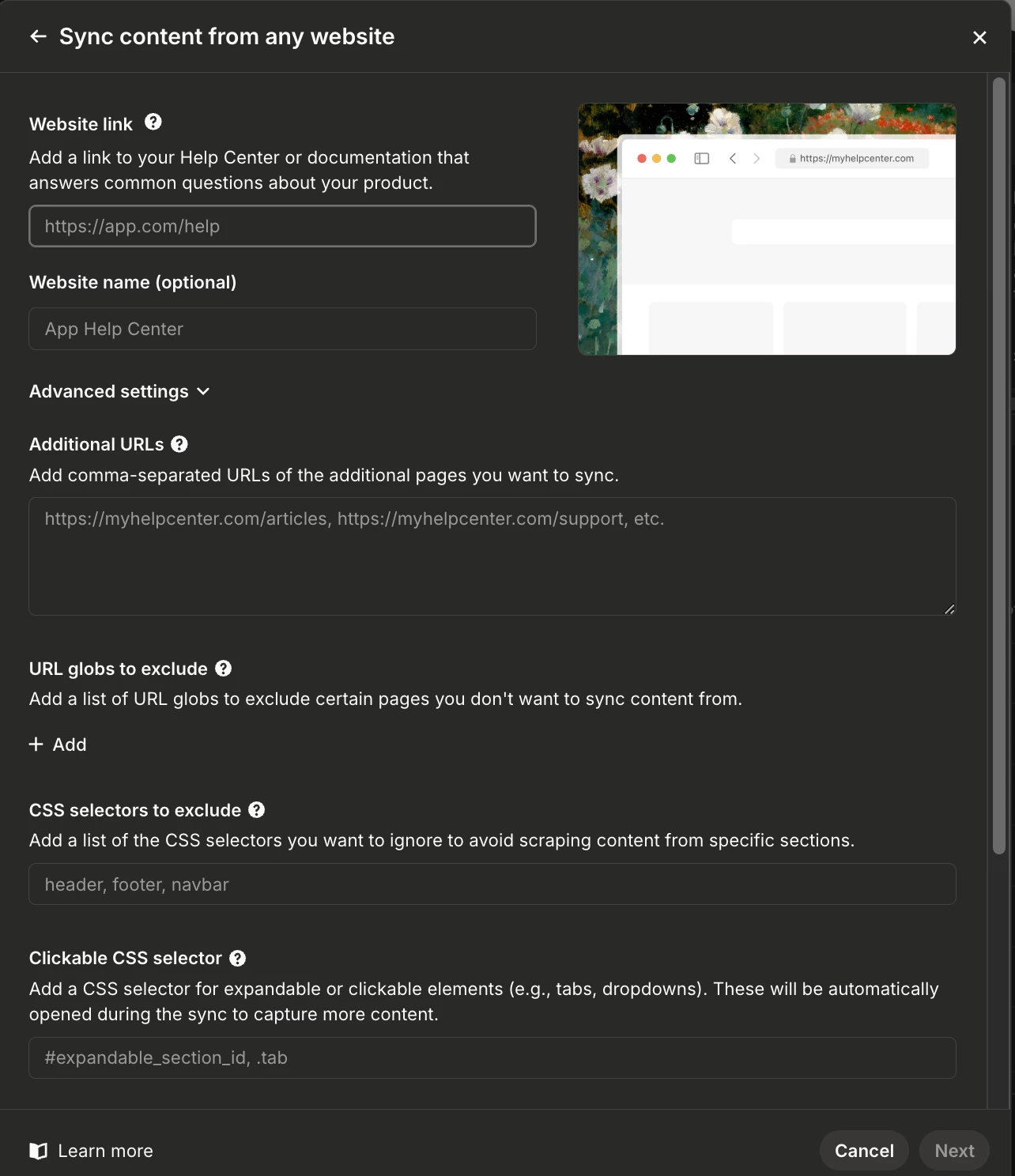
@Daniel Rönnberg  Is there a reason you aren’t using the option to sync the entire site to the sources instead of one page at a time? In that case they would all be under the same folder and it would pull in everything -- you can also put one specific page and then in the advanced box put all the important urls if you want to add things that aren’t linked to the main page or any urls you want to exclude in the area below plus pull in the sitemap etc. 


Hope this helps!


Daniel Rönnberg
Forum|alt.badge.img+1

Thanks ​@Nathan Sudds.

The reason I’ve been hesitant to sync our entire website is because I primarily want to use these pages for marketing purposes, and that type of content doesn’t really belong in the Help Center. Since we’re a SaaS platform for collecting and reporting ESG data, many of our users aren’t customers, they’re simply using our free solution to report data. Content about our paid solutions, what Worldfavor is, or how to book a demo is valuable for those users when they’re interested in exploring our offering further, but it’s not really relevant support material.

That said, I just tried removing all synced pages and re-adding them as you suggested, and it worked! This time, I got a full list of subpages to choose from, and now all the synced pages are neatly organized in one folder. So I think we’re all set for now. Case closed! 😊


Nathan Sudds
Top Expert ✨
Forum|alt.badge.img+8

@Daniel Rönnberg  glad to hear that helped! 


You can also sync the whole website and give guidance to Fin for when to share that info about the other service etc or not but being selective may be better for your needs not sure, I feel like it's worth it for Fin to know about everything for context, you can also tell it to ignore certain pages in that interface as well if needed. 


Glad the suggestion helped either way!